Choose Your Suitable ProductDue to a wide range of photo editing software that designed for different user groups, and usually there are many differences in features between each other, that caused customers don’t know how to choose a suitable one. So we filtered the most popular photo editing software and make a test, then we divided all these products into two types - Basic Photo Editors and Advanced Photo Editors. If you need a photo editing tool, please check out the table below to select a right product.
Pros: This kind of software is designed for common users, and it’s easy to use. It has lower (easier) learning curve, and the ease of use is the key advantage. It excludes many advanced editing tools, only provides the most common editing tools, such as rotate, crop, resize, red eye correction, adjustment and many built-in effects and filters. Most of this kind of software provide instant one-click effects, and users only need to click a few buttons or directly drag images to quickly and efficiently make the effects and filters to your photos.
Cons: Not powerful enough
Pros: It is designed for professional users, and widely used in a variety of fields. It provides many advanced photographic features, such as channel, layer, layer mask and path tools etc. It is also able to complete the most sophisticated image processing, and with high degree of freedom. It has a large number of third-party plug-ins and extensions, so you can add many features as you want.
Cons: This kind of software usually has a steeper learning curve, and users need to have professional image editing knowledges and have to spend a lot of time learning to use it skillfully.
2
Basic Photo Editors's important and necessary features
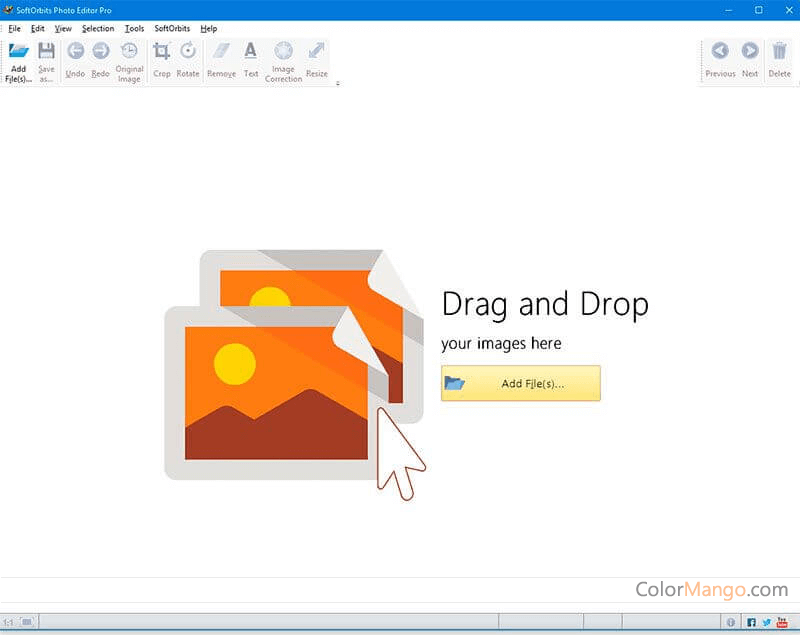
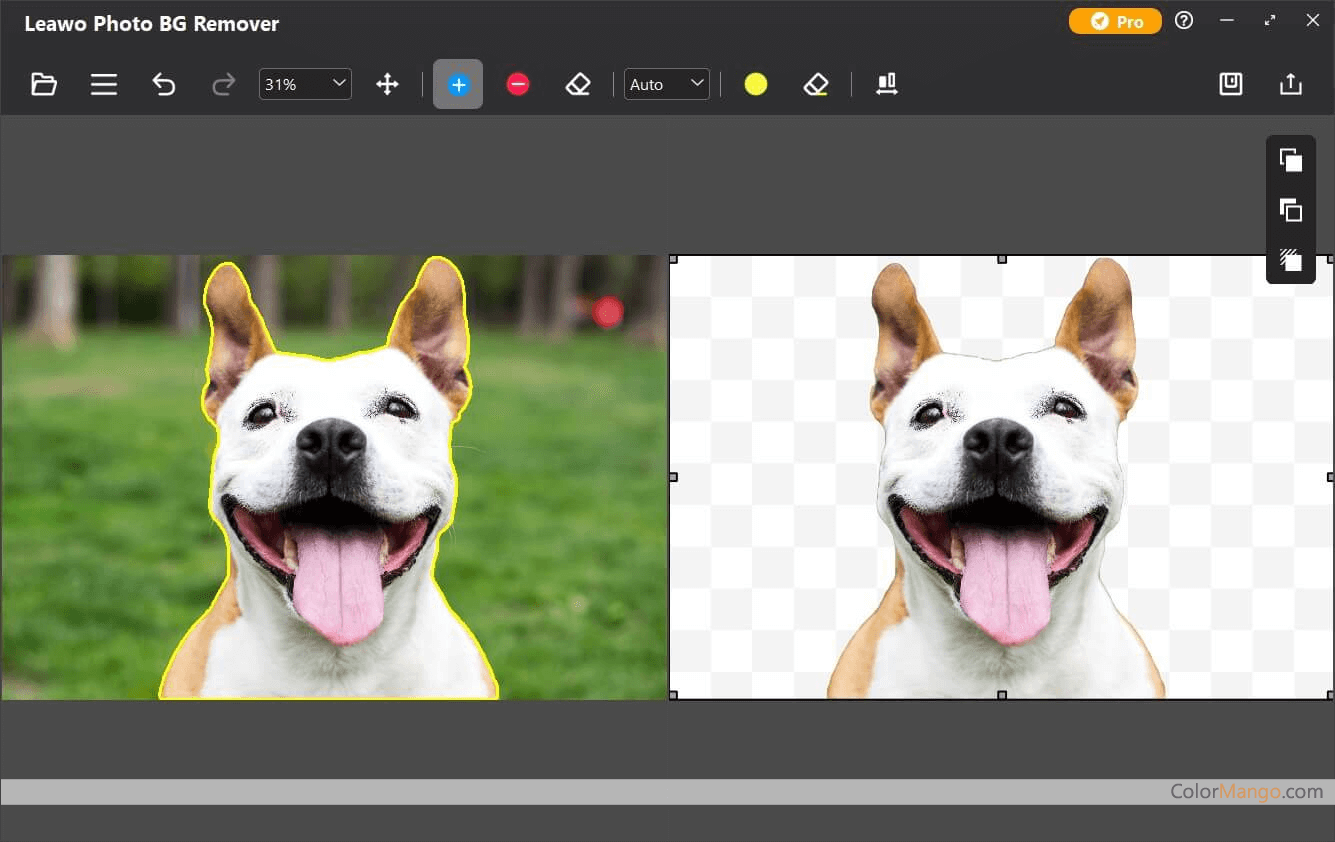
Ein einfach zu bedienender Entferner für unerwünschte Objekte. Entfernen Sie in wenigen Schritten unerwünschte Objekte aus Fotos. Photo Studio Pro bietet eine komplette Fotobearbeitungsfunktion.
Ein leistungsstarkes Grafikbetrachtungstool und eine Bildbearbeitungssoftware unterstützen über 100 Grafikdateiformate, ermöglichen die Stapelverarbeitung von Dateien und fügen Bildern auf einfache Weise Metatags hinzu.
Ein professioneller Fotoeditor, der die Fotos nicht nur optimiert und klarer und schöner macht, sondern das Foto mit seiner einzigartigen AI-Funktion auch wie ein Meisterdesign aussehen lässt.
Eine professionelle Bildverarbeitungssoftware, die die Konvertierung, Bildbearbeitung, Bildanpassung und Bildverwaltung im RAW-Format unterstützt. Die Geschwindigkeit ist über viermal schneller als bei Adobe Lightroom.
Gute Fotobearbeitungssoftware für den Heimgebrauch, unterstützt Bildbearbeitung, Bildausschnitt, Bildlöschfunktion, zerstörungsfreies Zoomen und Fokussieren von Bildern usw.
Wunderschön gestaltete Bildschirmaufzeichnungs-App, mit der Sie atemberaubende Videos in wenigen Minuten aufnehmen, zoomen, bearbeiten und exportieren können
SvgTrace hilft Nutzern dabei, Standardbilder wie JPEG-, PNG- und WEBP-Dateien in saubere, skalierbare Vektorgrafiken und mehrschichtige SVG-Dateien umzuwandeln, die sich perfekt für verschiedene Bastel- und Designprojekte eignen.
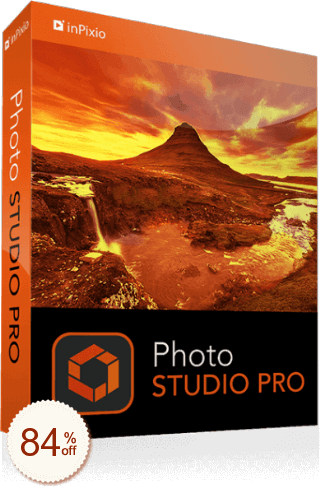 1/2InPixio Photo Studio video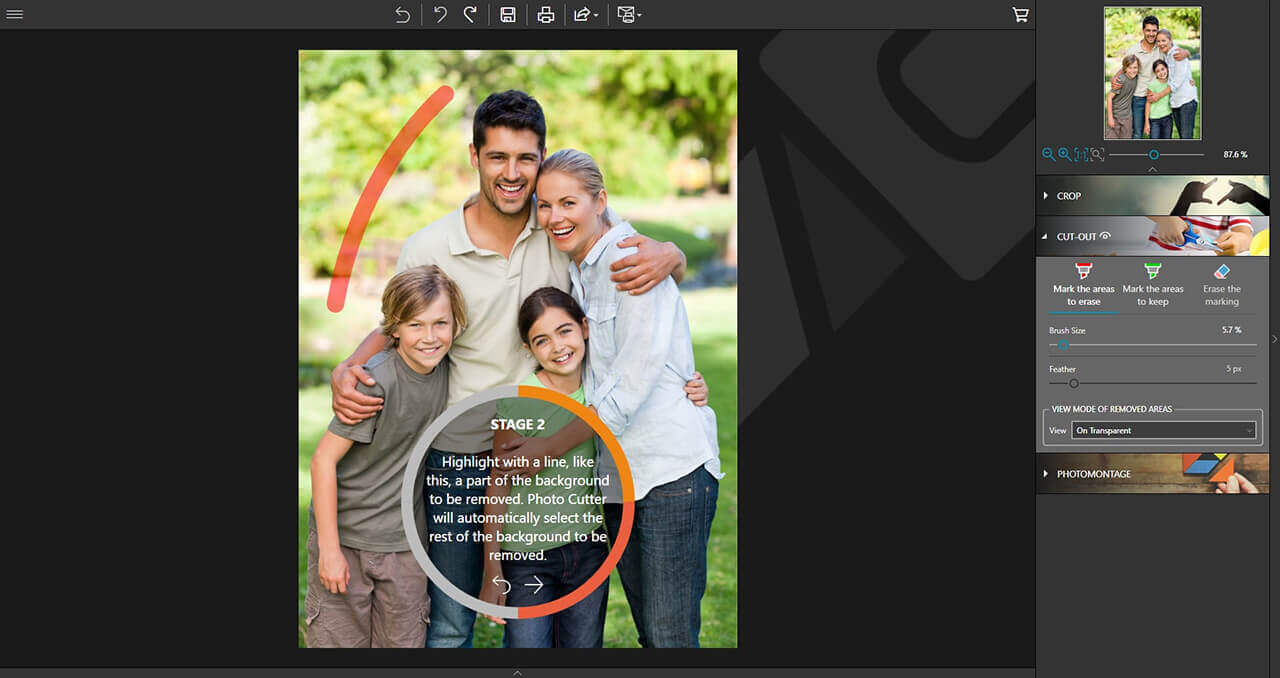
 1/1
1/1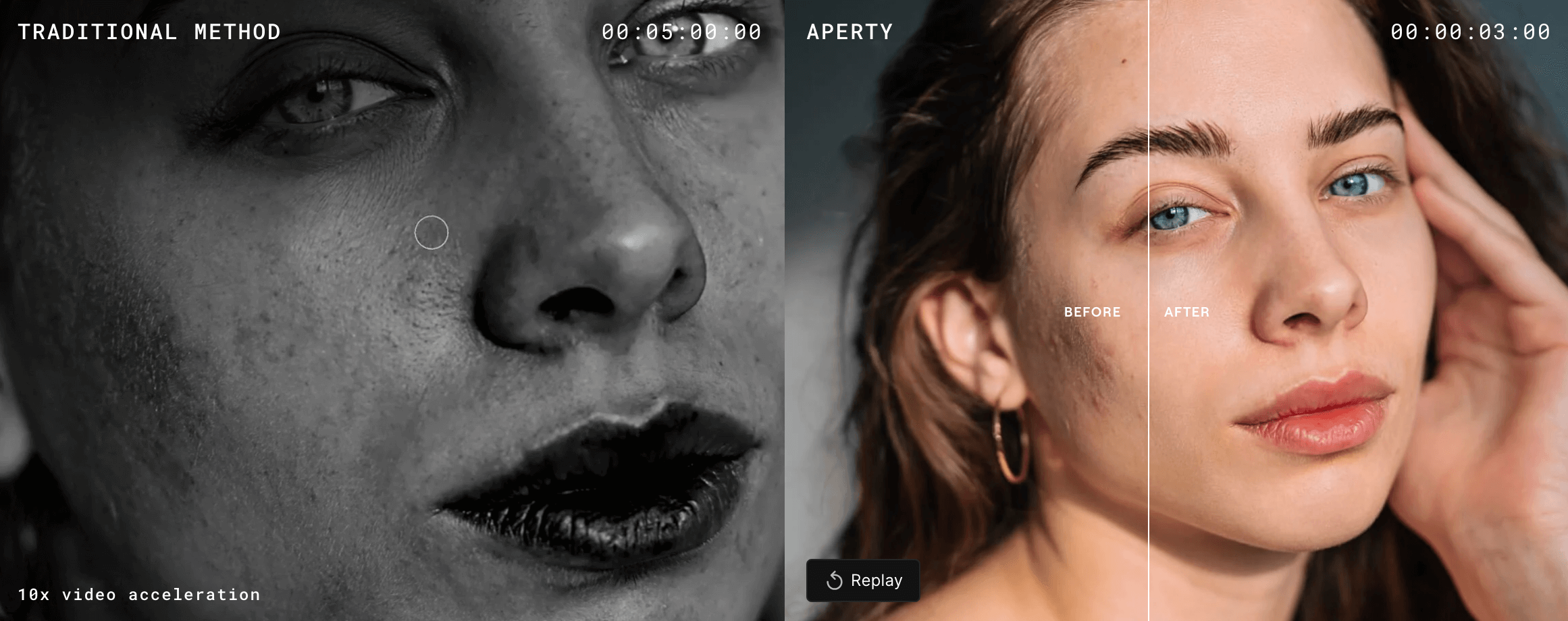
 1/3ACDSee Photo Studio screenshot 2ACDSee Photo Studio video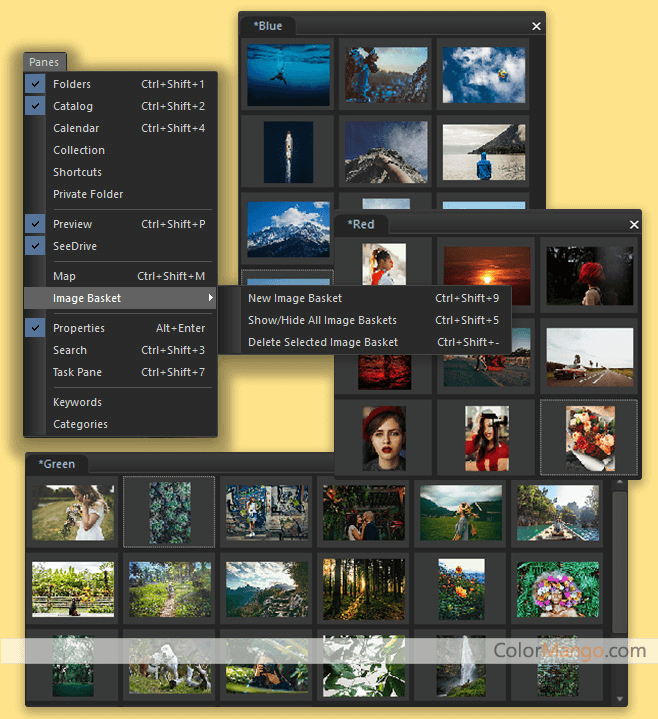
 1/1
1/1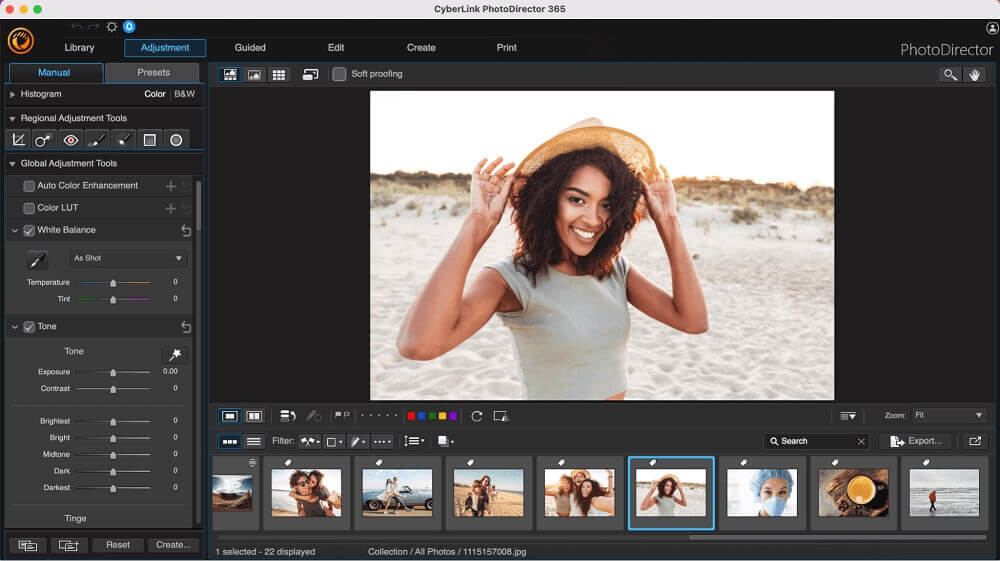
 1/3HitPaw Photo Object Remover screenshot 2HitPaw Photo Object Remover screenshot 3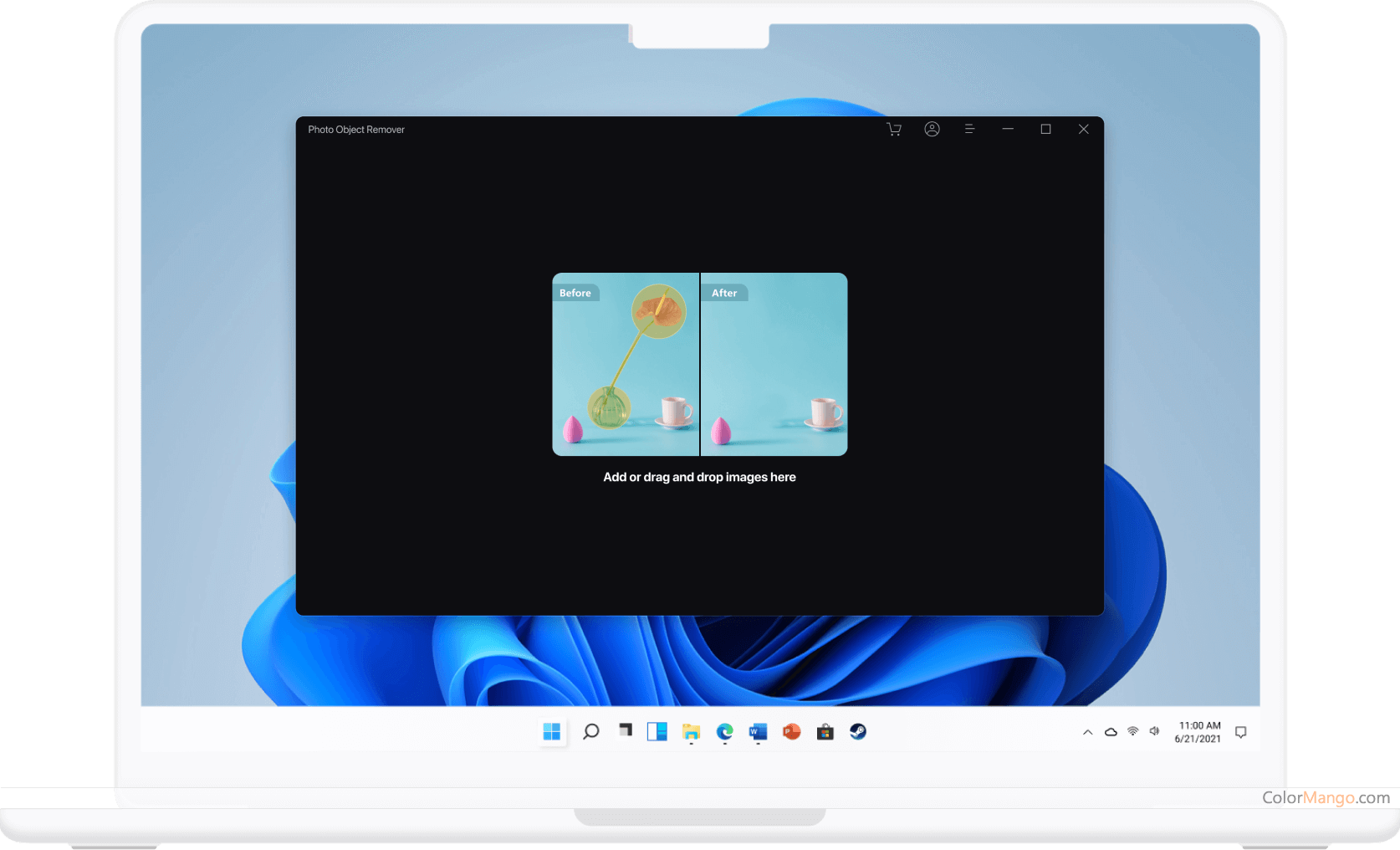
 1/1
1/1
 1/2Corel AfterShot Pro screenshot 2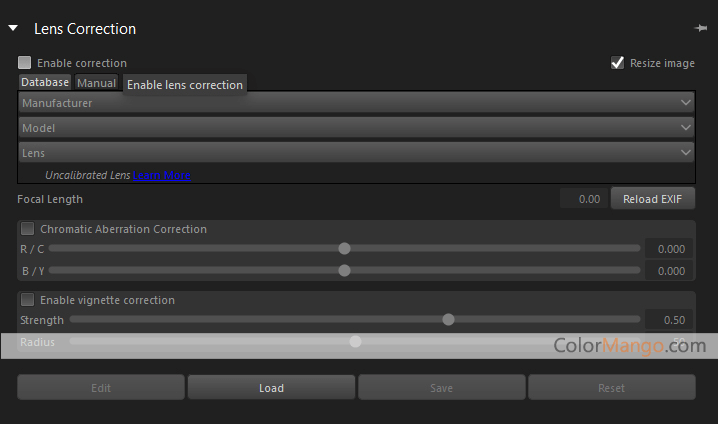
 1/1
1/1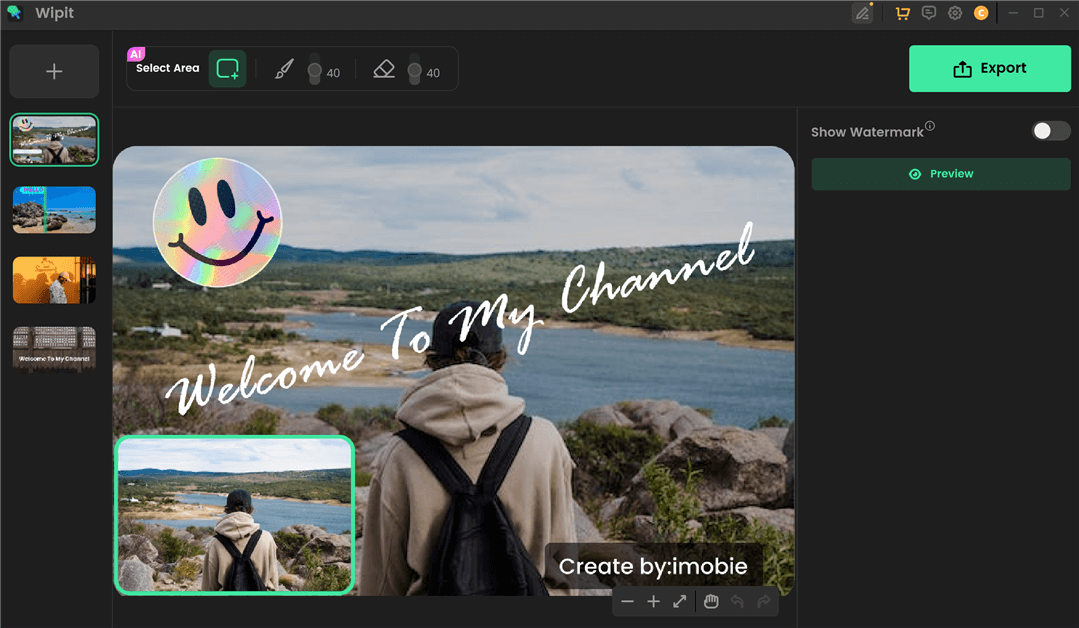
 1/4Fotophire Editing Toolkit screenshot 2Fotophire Editing Toolkit screenshot 3Fotophire Editing Toolkit video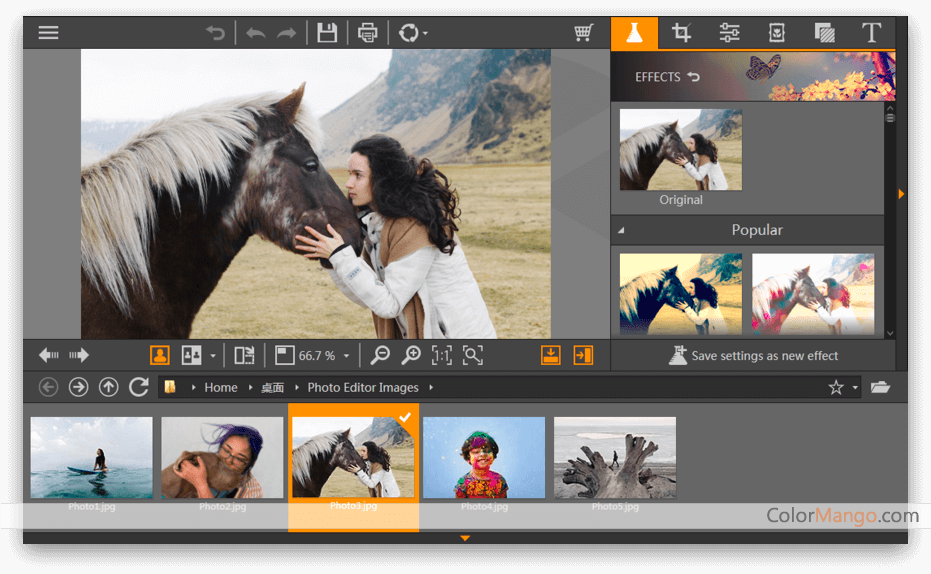
 1/1
1/1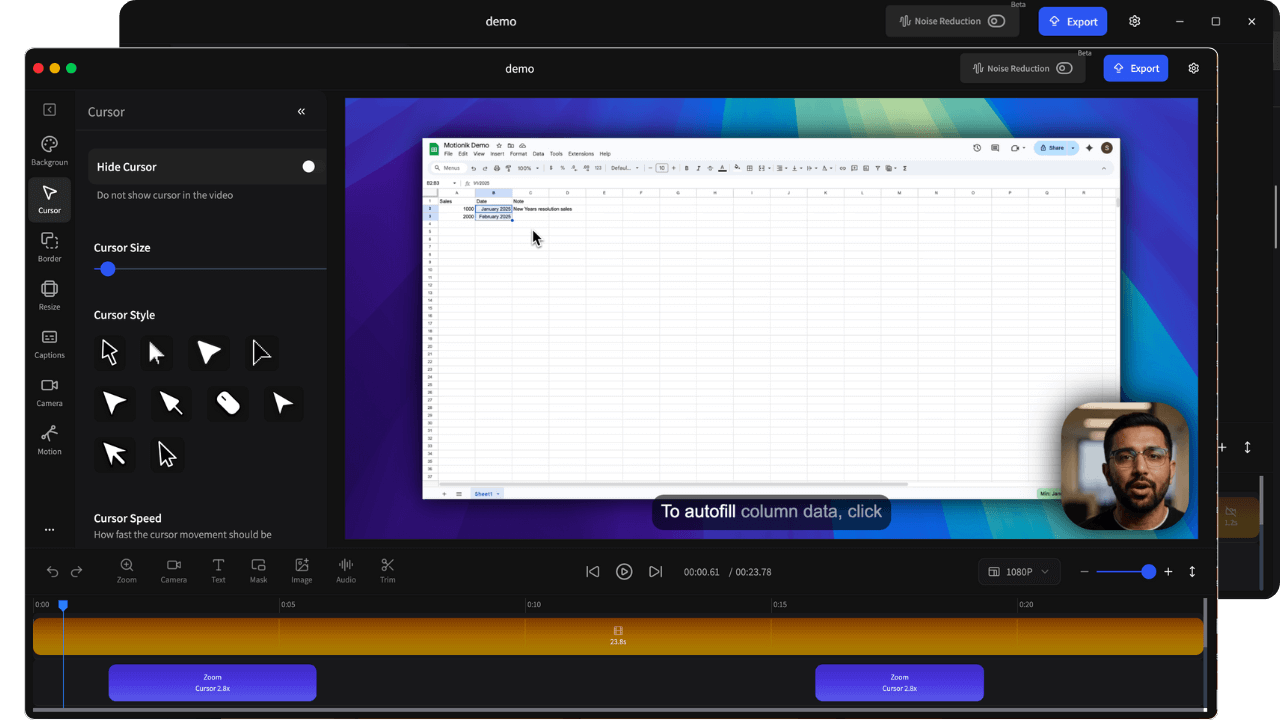
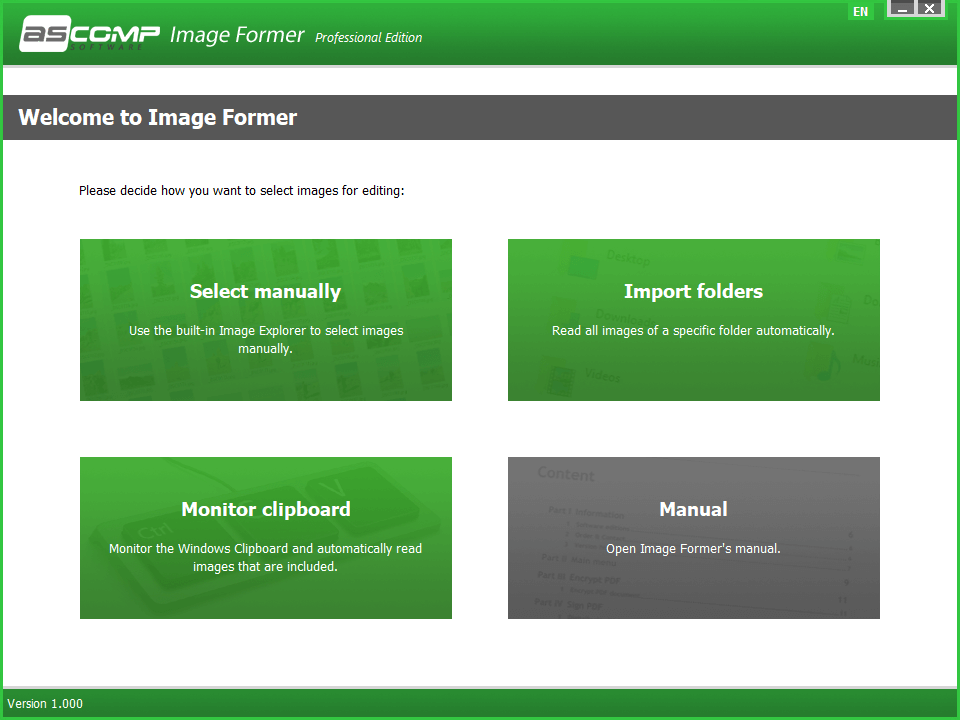
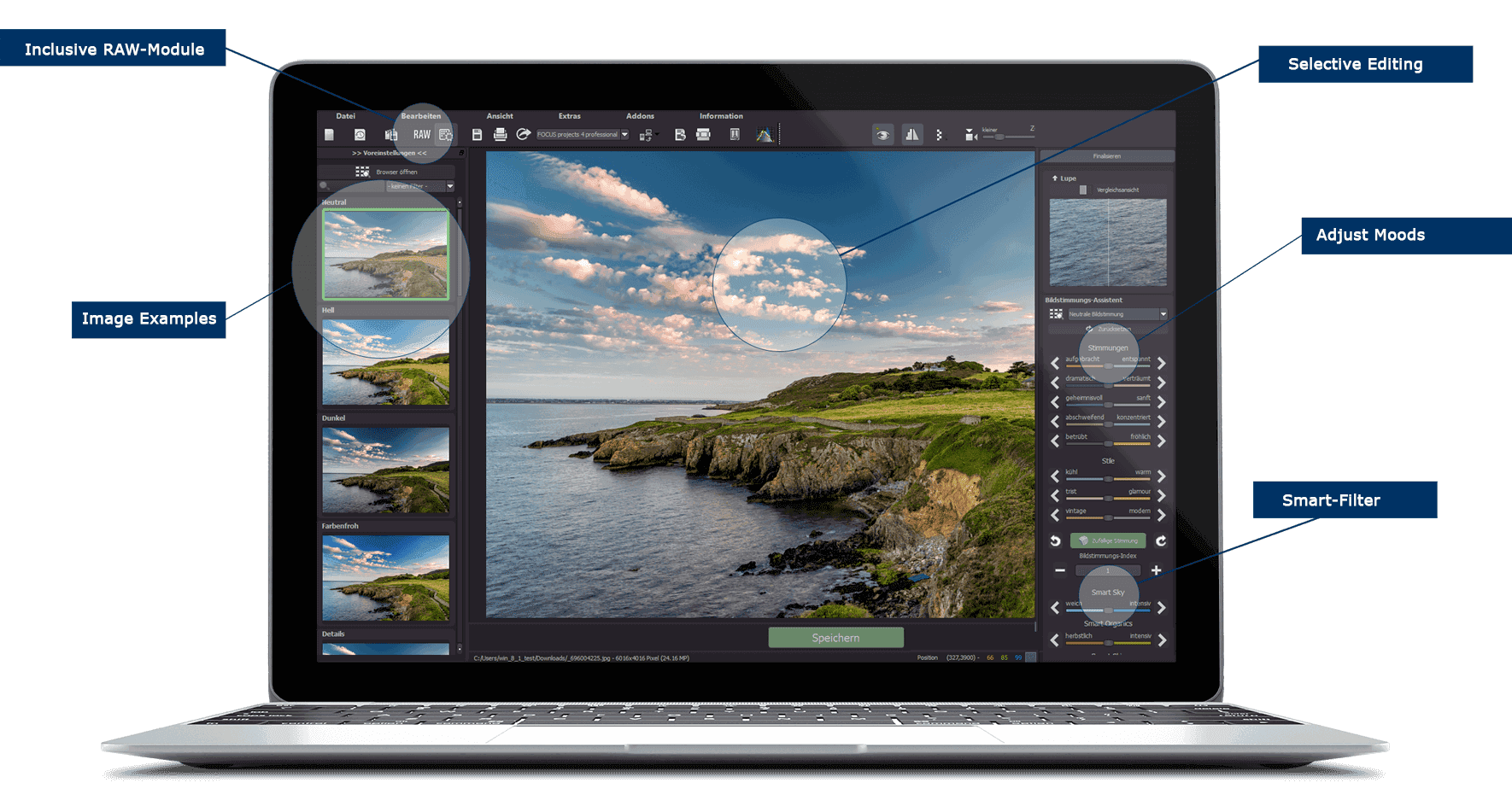
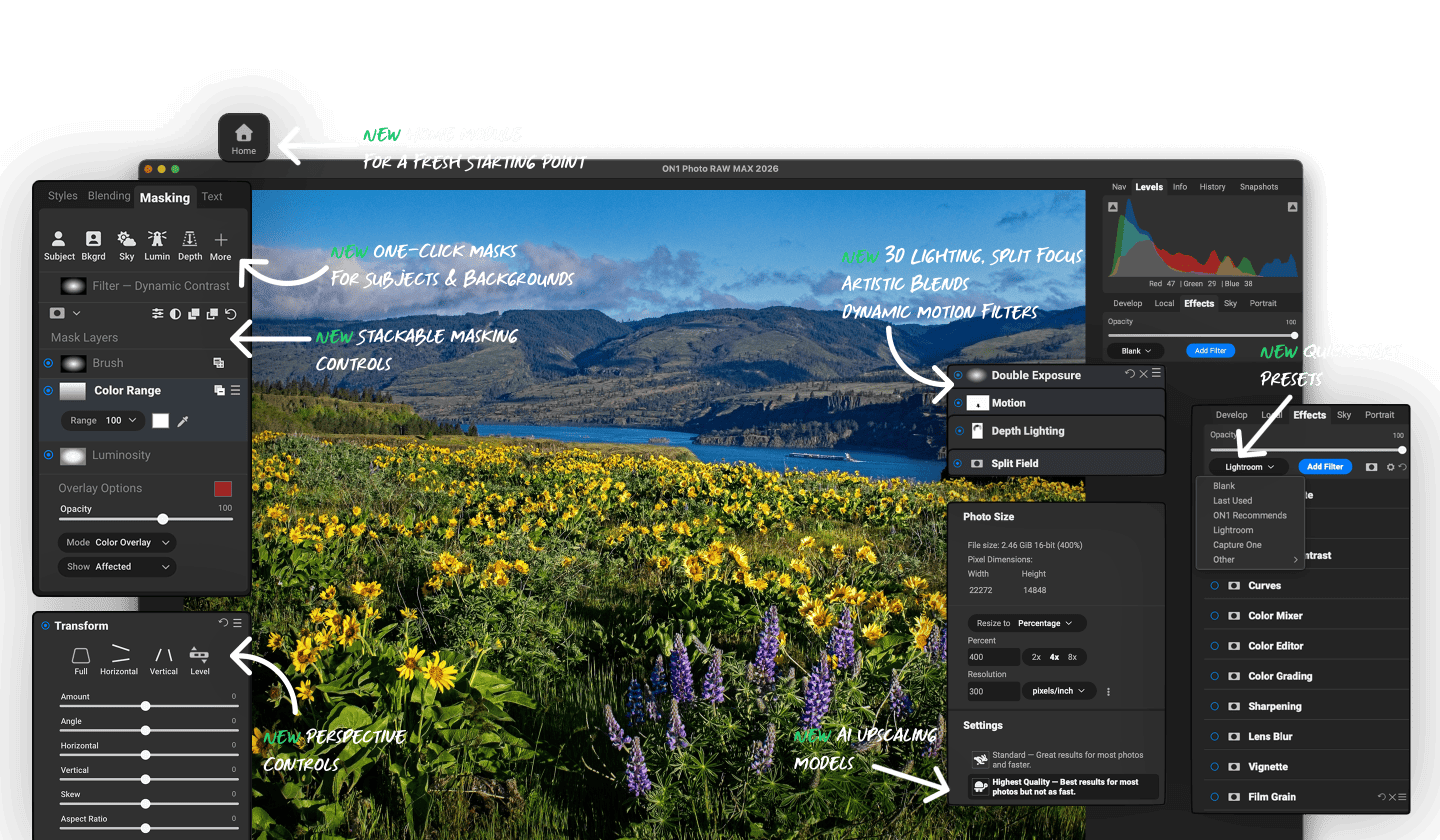
 1/1
1/1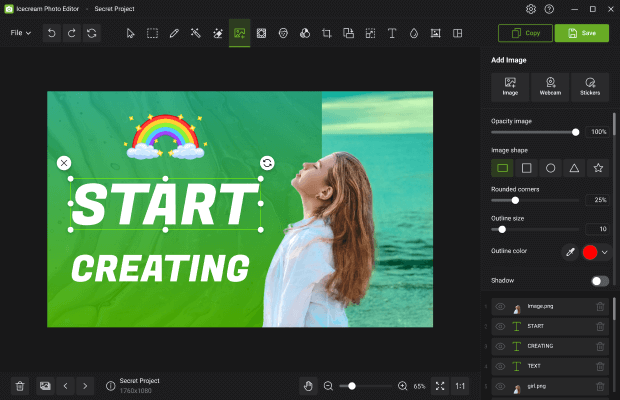
 1/1
1/1

 1/1
1/1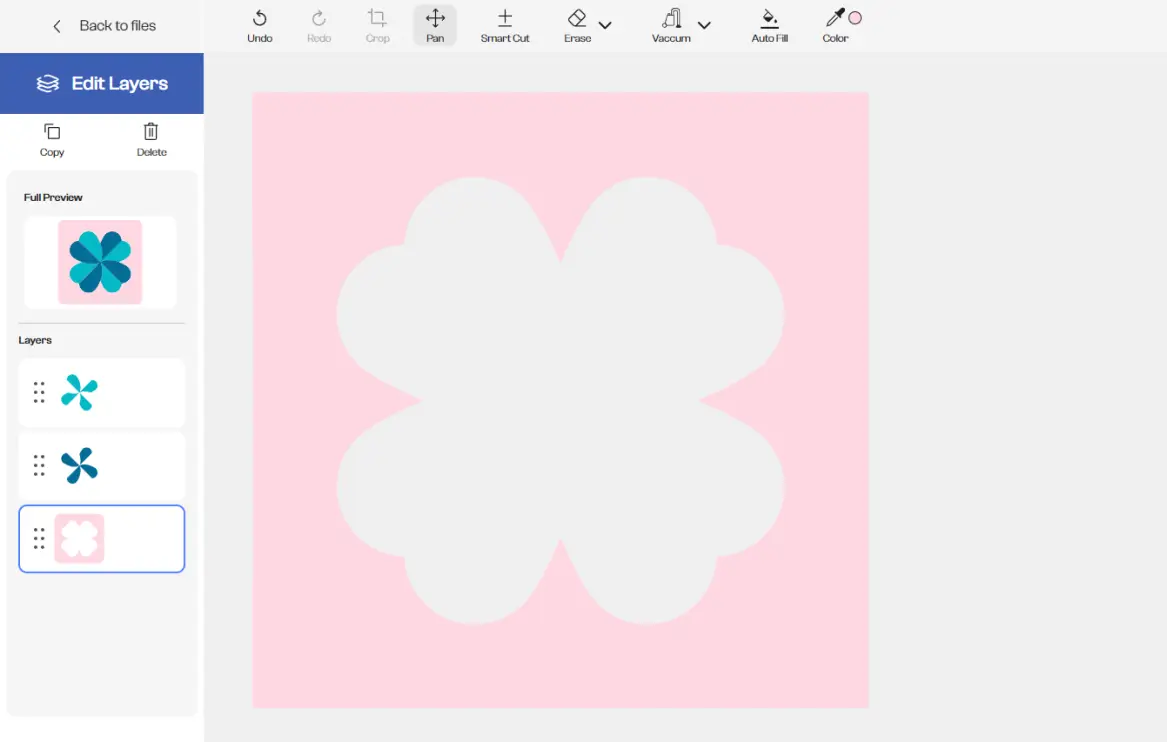


.jpg)
.png)
.png)
.jpg)
.jpg)
.jpg)
.png)
.png)
.jpg)
.jpg)
.jpg)
.jpg)
.jpg)
.jpg)
.jpg)
.png)
.jpg)
.jpg)
.webp)