- Foto & Grafikdesign
- Digitalfotografie
- Bildkonverter
Bildkonverter
FOTO / BILD
BEARBEITEN / OPTIMIEREN / RETOUCHING
Image Converter's important and necessary features
Artikel: 12
TOP 1
 1/1
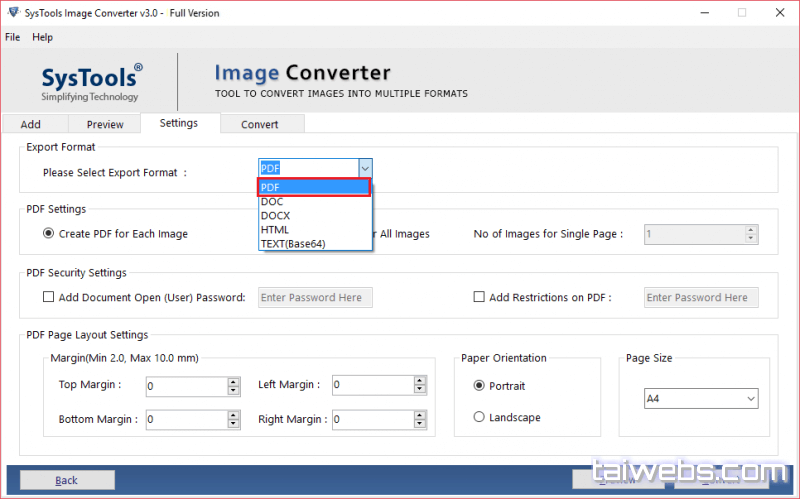
1/1- Bieten Sie eine Lösung an, um Ihre Bilder in verschiedene Dateiformate zu konvertieren.
25% Off
TOP 2
 1/5Imaget screenshot 2Imaget screenshot 3Imaget screenshot 4Imaget screenshot 5
- Bulk Image Downloader mit einem Klick.
.png)
30% Off

TOP 4
75% Off
Weitere Tools entdecken
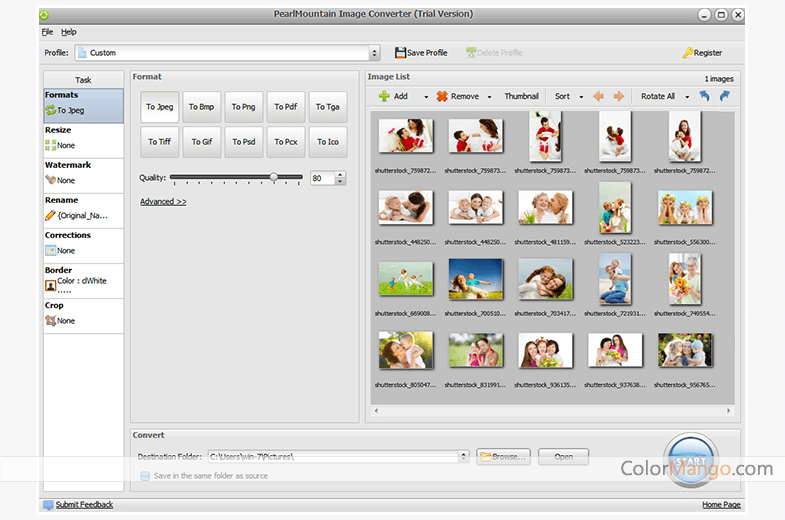
 1/4PearlMountain Image Converter screenshot 2PearlMountain Image Converter screenshot 3PearlMountain Image Converter screenshot 4
- 10+Ein All-in-One-Fotokonverter, Bildgrößenanpasser, Zuschneiden, Drehen und Stapelverarbeitung von Fotos.
20% Off
.jpg)
50% Off
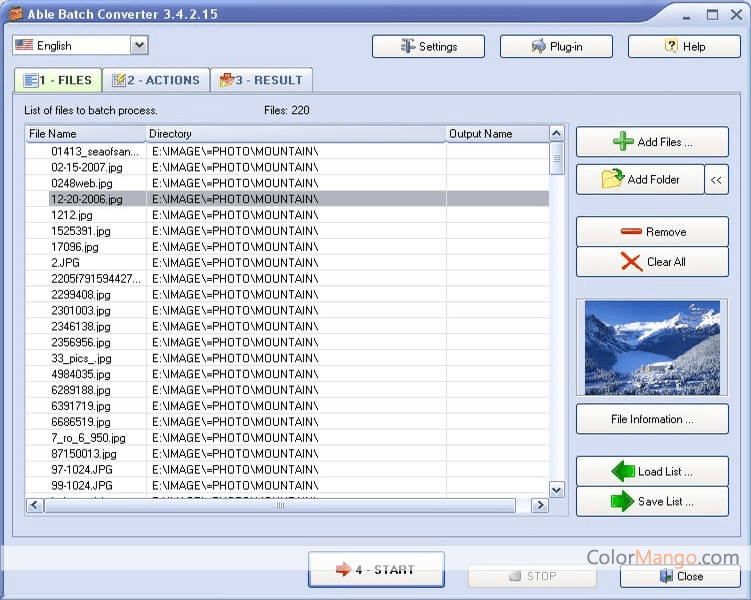
 1/3Able Batch Image Converter screenshot 2Able Batch Image Converter screenshot 3
- 8Ein Klick, um mehrere Grafikdateien zu konvertieren.
20% Off
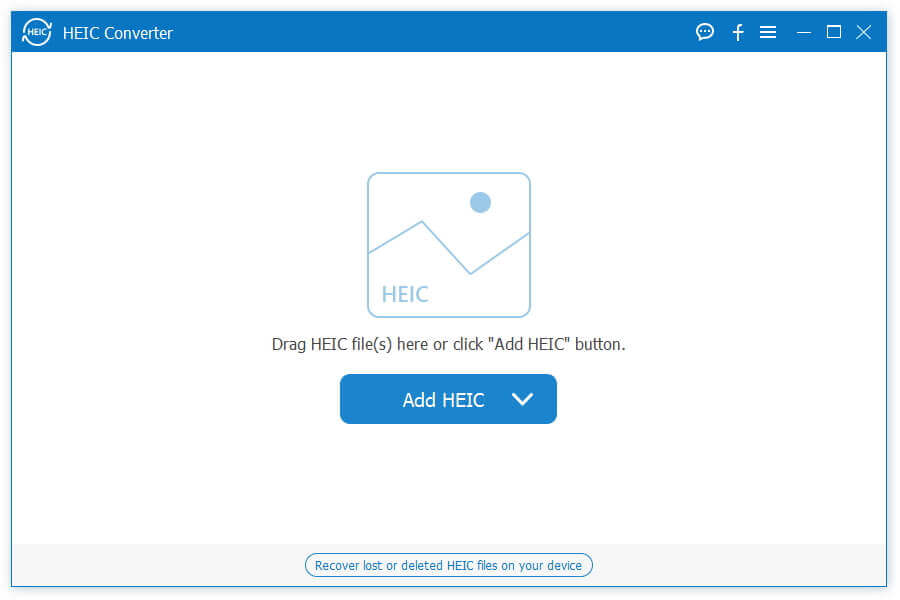
 1/4Aiseesoft HEIC Converter screenshot 2Aiseesoft HEIC Converter screenshot 3Aiseesoft HEIC Converter screenshot 4
- 7HEIC-Fotos in das JPG/JPEG/PNG-Format konvertieren
50% Off
 1/2Photo Blend 3D video
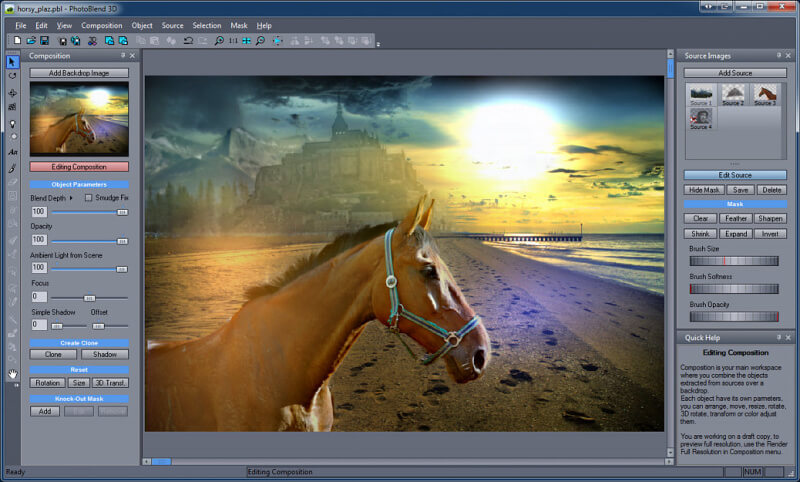
- 7Mit Photo Blend 3D können Sie künstlerische Fotos erstellen, die mit Teilen verschiedener Fotos kombiniert werden, und diese als 2D- oder 3D-Effektbilder exportieren. Es hat mehrere einzigartige Funktionen für Bildbearbeitungsprogramme.
 1/1
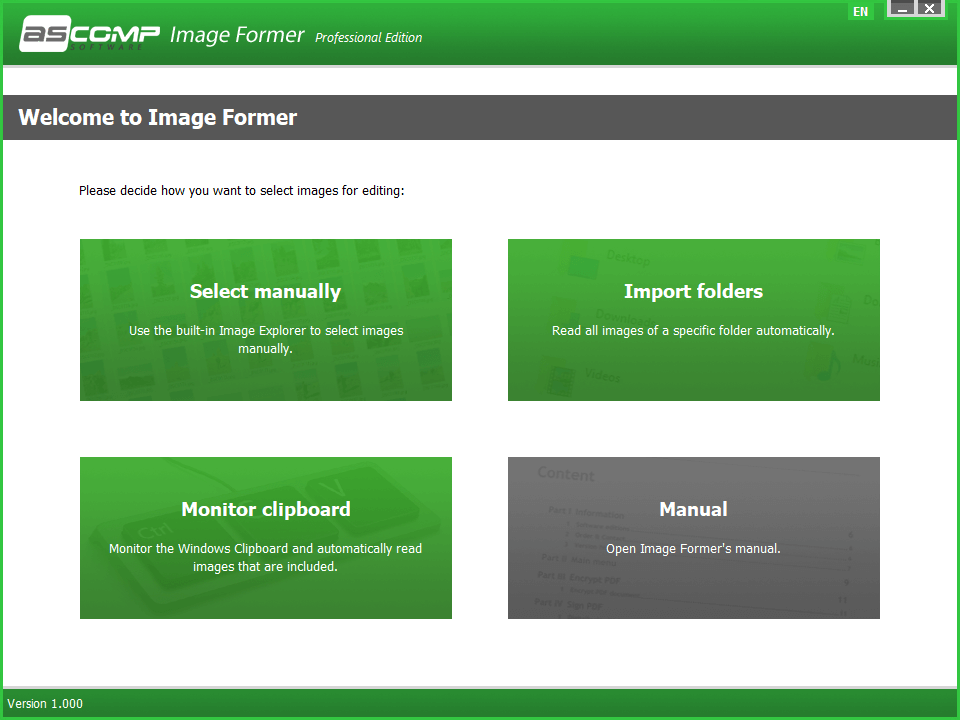
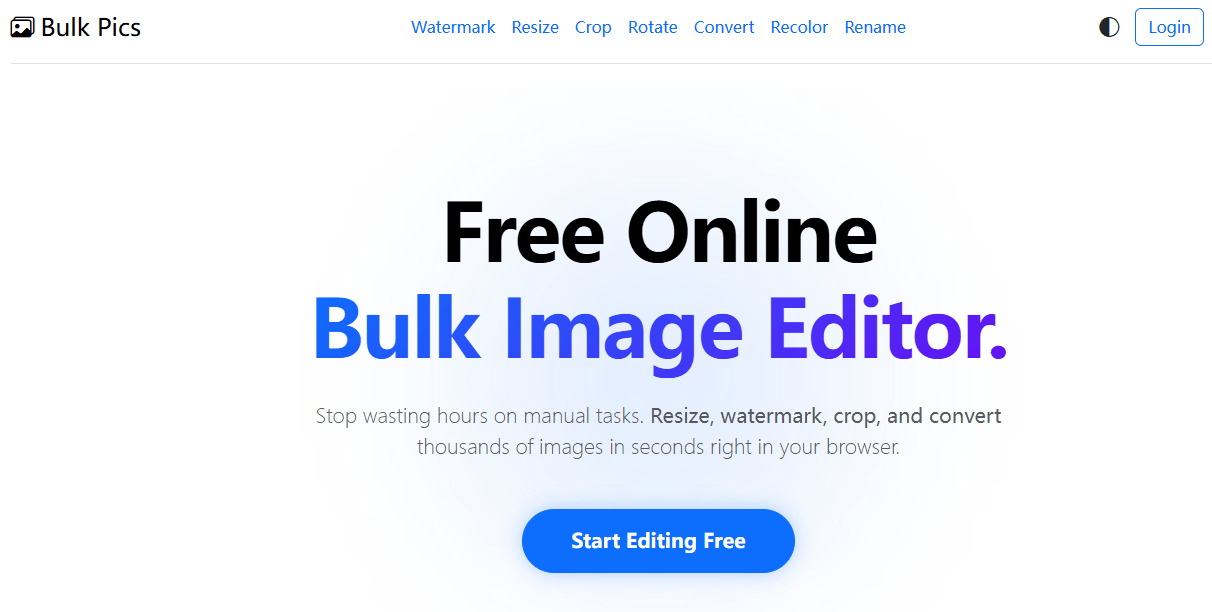
1/1- 4Online-Massenbildeditor, mit dem Sie Bilder direkt in Ihrem Browser stapelweise verarbeiten können
50% Off
 1/1
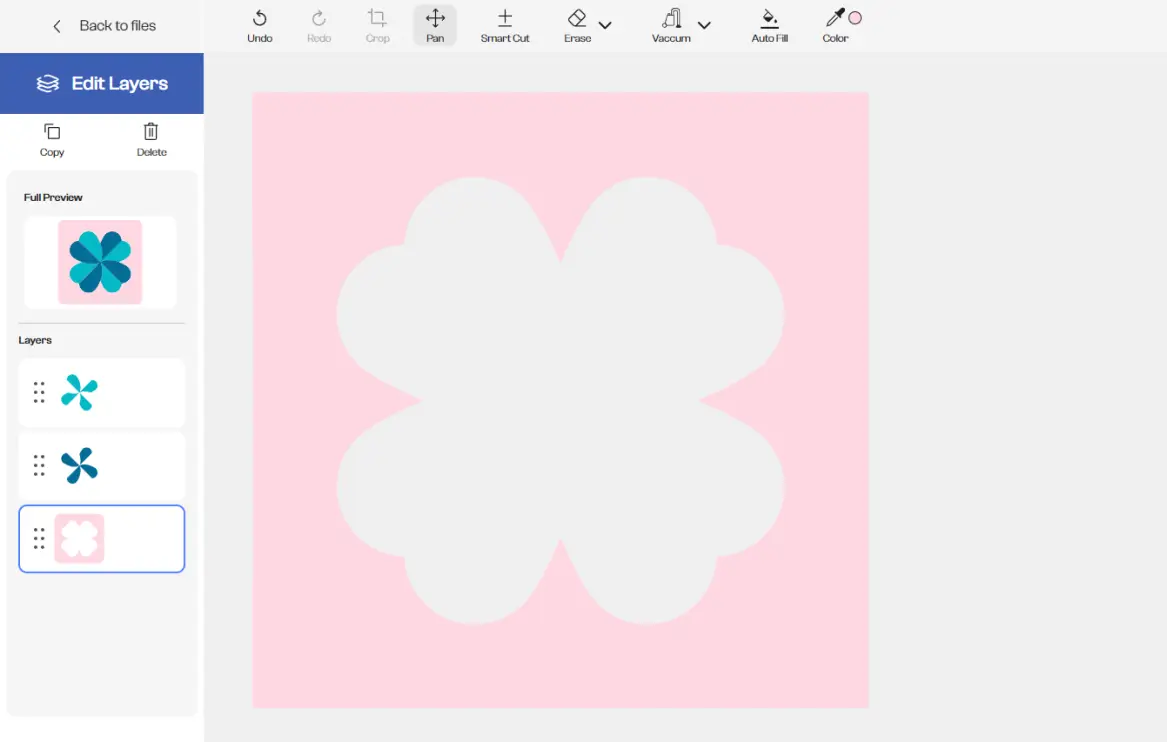
1/1- SvgTrace hilft Nutzern dabei, Standardbilder wie JPEG-, PNG- und WEBP-Dateien in saubere, skalierbare Vektorgrafiken und mehrschichtige SVG-Dateien umzuwandeln, die sich perfekt für verschiedene Bastel- und Designprojekte eignen.
56% Off
Artikel: 12

.png)
.png)
.png)
.png)
.png)
.jpg)
.jpg)
.jpg)
.jpg)
.jpg)
.jpg)
.jpg)
.jpg)
.jpg)
.jpg)
.png)