- Geschäftssoftware
- PDF-Werkzeuge
- PDF Editor
PDF Editor
Kategorie
PDF-ANWENDUNGEN
OCR
PDF Editor's important and necessary features
1
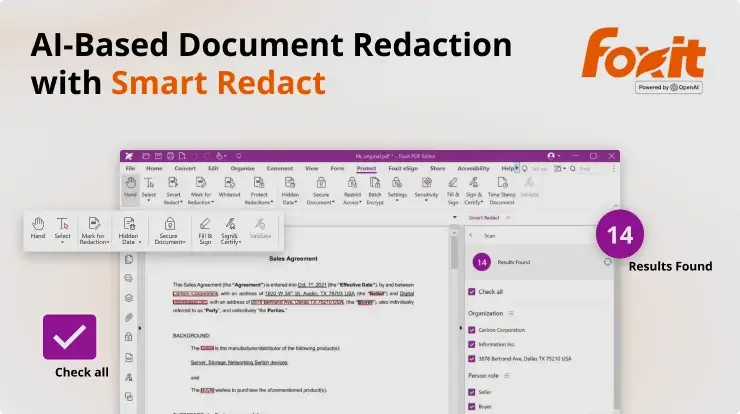
- 4.8K+Umfassende Toolsuite zum Erstellen, Bearbeiten und Verwalten von PDF-Dateien.
1
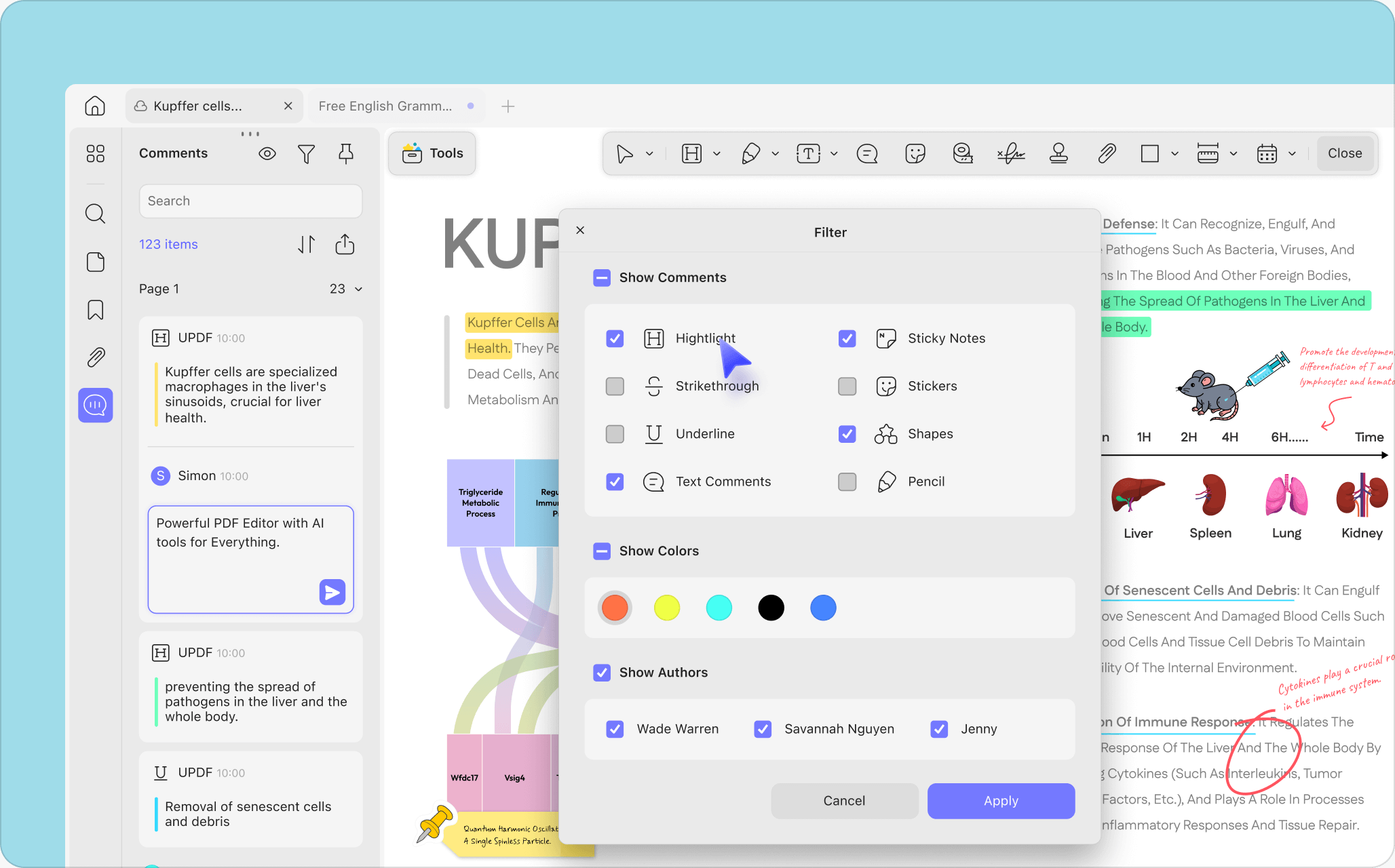
- 590+Bearbeiten Sie gescannte PDFs mithilfe von OCR in durchsuchbare, bearbeitbare Dokumente.
1
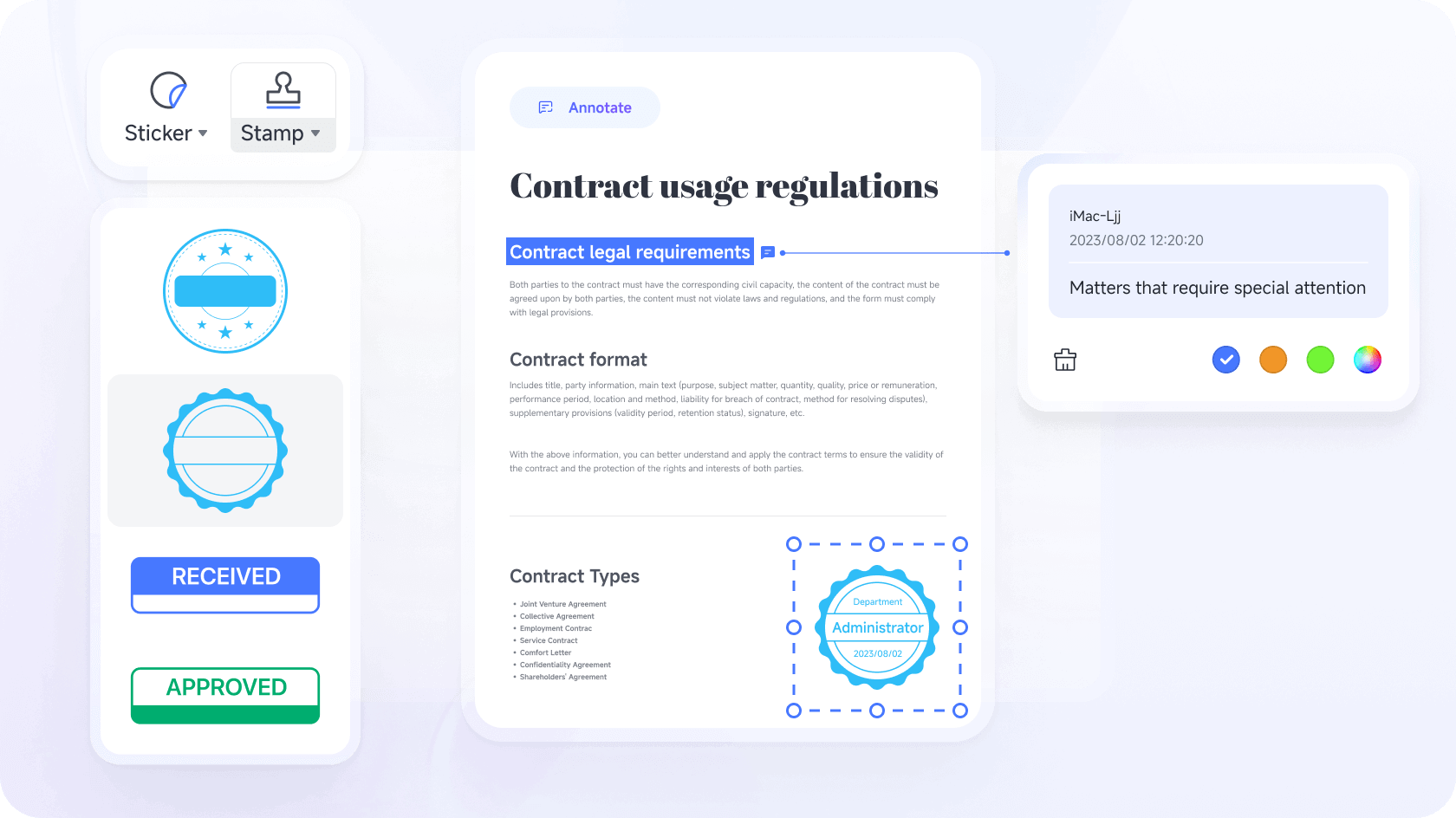
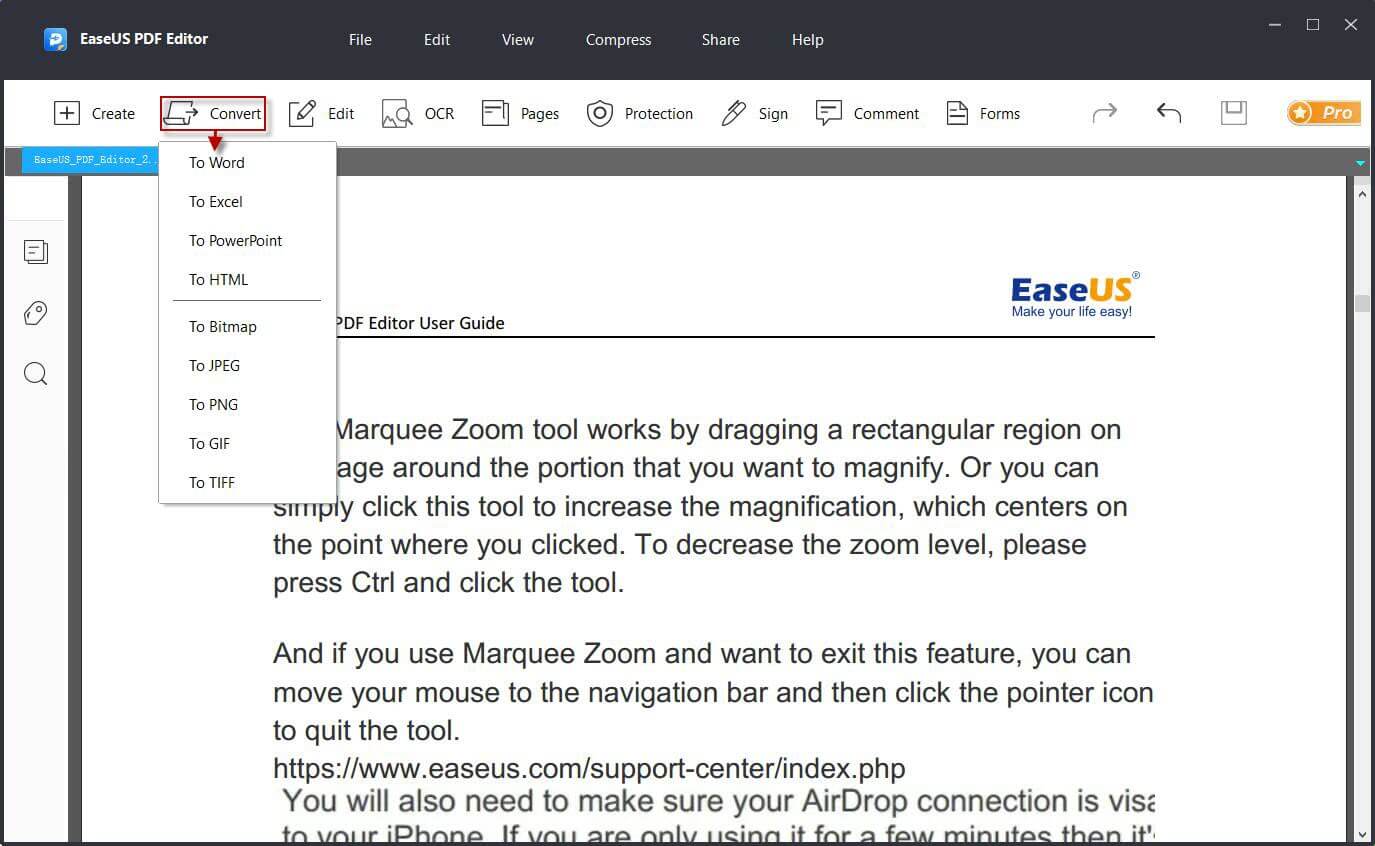
- 490+PDF bearbeiten, PDF konvertieren, PDF zusammenfügen/teilen, PDF komprimieren/extrahieren, PDF kommentieren, lesen und übersetzen usw.

2
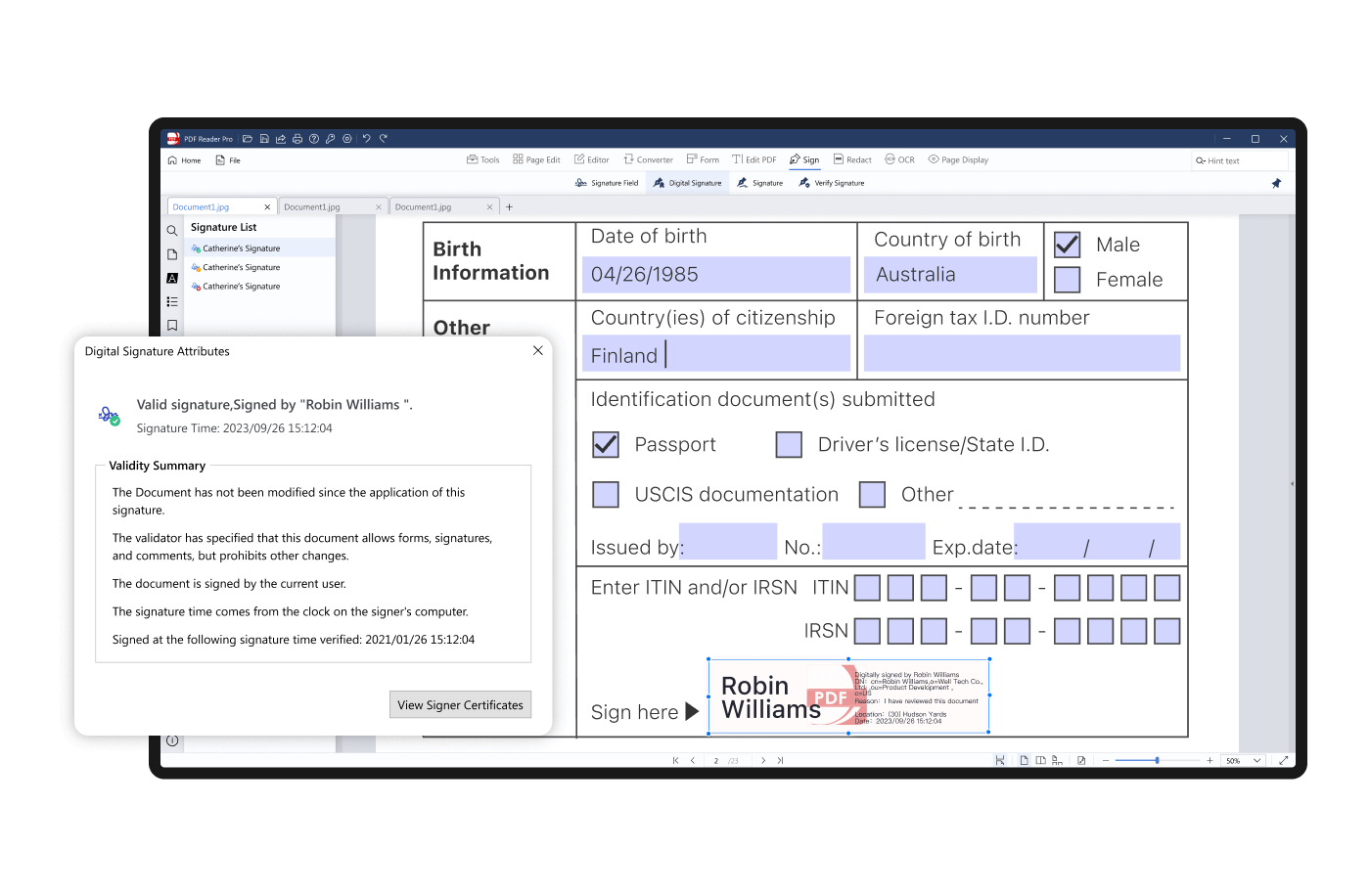
PDF Reader Pro screenshot 2- 360+Schneller, professioneller und intuitiver PDF-Reader und -Editor.
5 1
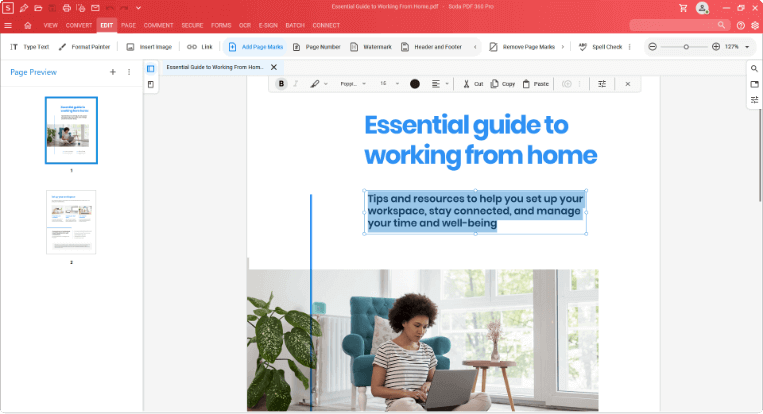
Soda PDF 360 Pro screenshot 2Soda PDF 360 Pro screenshot 3Soda PDF 360 Pro screenshot 4Soda PDF 360 Pro screenshot 5Soda PDF 360 Pro video- 190+Effiziente PDF-Bearbeitungssoftware, leistungsstarke Funktionen zum Bearbeiten und Anzeigen von PDF-Dateien, vollständige Funktionen, Unterstützung einer Vielzahl von Dateiformaten und Online-Freigabe von PDF-Dateien.

1 1
Ashampoo PDF Pro video- 170+Ein vollständiger Satz von Tools für die Verwaltung und Bearbeitung von PDF-Dokumenten, der das Bearbeiten, Konvertieren, Zusammenführen und Erstellen von PDF-Dokumenten integriert.
4
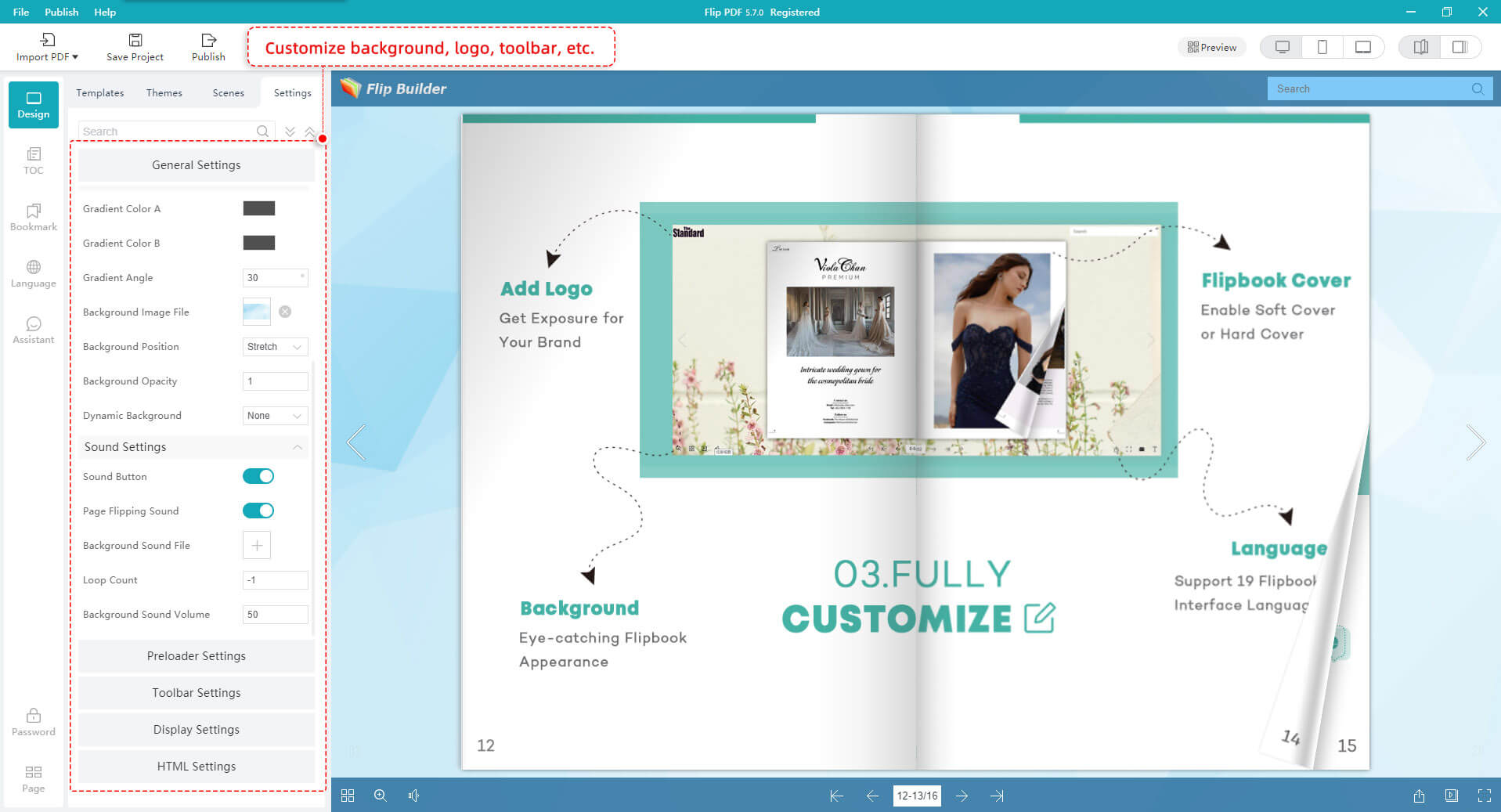
Flip PDF Plus screenshot 2Flip PDF Plus screenshot 3Flip PDF Plus screenshot 4- 150+Leistungsstarke Flipbook-Software, konvertiert PDF in ein eingebettetes Multimedia-Flip-Book.
1
- 130+Wandeln Sie gescannte PDFs mithilfe von Texterkennung in durchsuchbare, bearbeitbare Dateien um.
2
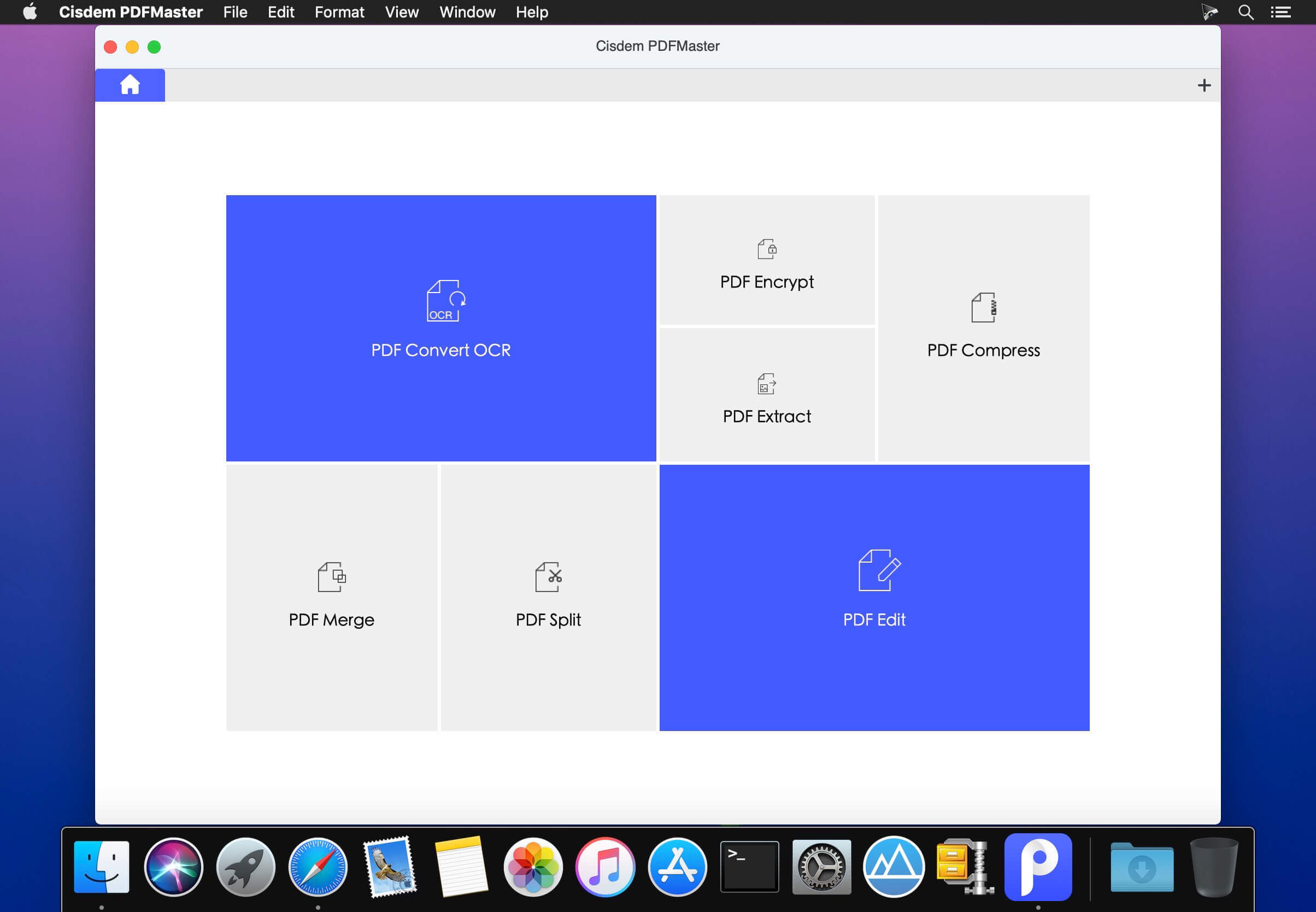
Cisdem PDFMaster for Mac screenshot 2- 110+Bieten Sie robuste Lösungen für das Konvertieren, Erstellen, Bearbeiten, Zusammenführen, Teilen, Komprimieren und Verschlüsseln von PDF-Dateien.

.jpg)
.jpg)
.jpg)
2
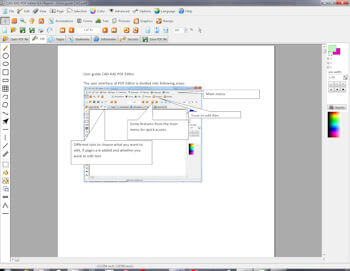
CAD-KAS PDF Editor screenshot 2- 80+Ausgezeichneter multifunktionaler PDF-Editor.
4
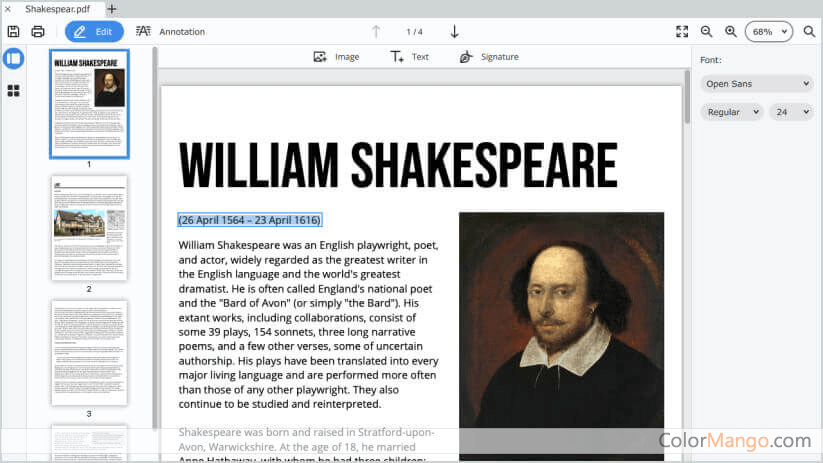
Movavi PDFChef screenshot 2Movavi PDFChef screenshot 3Movavi PDFChef screenshot 4- 80+PDF-Editor für Windows und macOS. Unterstützt das Anzeigen, Erstellen, Bearbeiten, Konvertieren sowie Signieren und Versiegeln von Dokumenten.
2
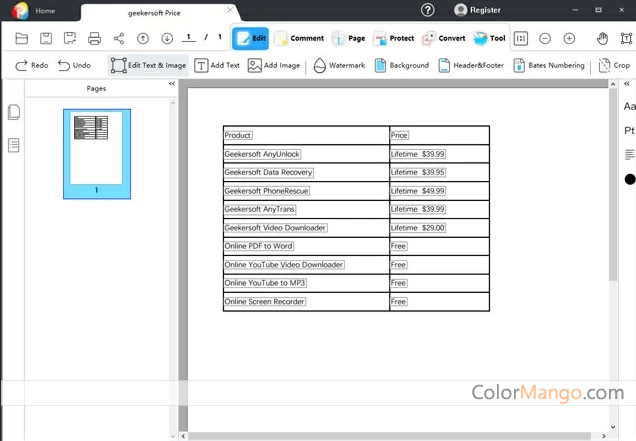
GeekerPDF screenshot 2- 60+Hilft Benutzern, PDF-Dateien zu bearbeiten, zu konvertieren, zusammenzuführen, zu teilen und per OCR zu erkennen.
2
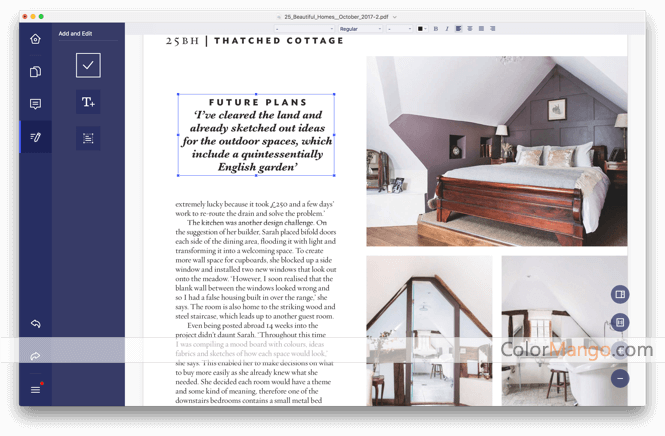
PDFelement Express screenshot 2- 60+Ein einfacher PDF-Editor, der für macOS-Benutzer verfügbar ist.
.png)
1
- 50+Wandeln Sie HTML und Webseiten in PDFs um und bearbeiten Sie diese in .NET.
4
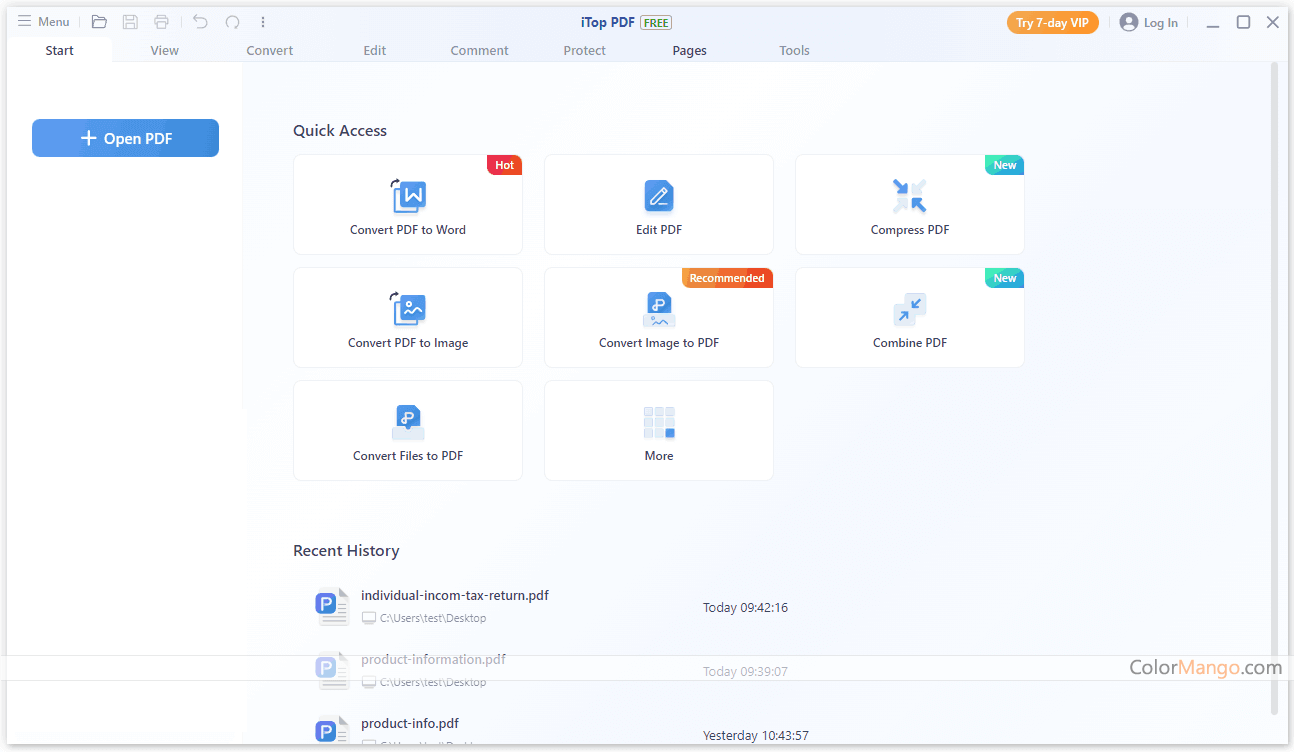
iTop PDF screenshot 2iTop PDF screenshot 3iTop PDF screenshot 4- 40+Umfassende und einfach zu bedienende PDF-Software zum Konvertieren, Bearbeiten, Verwalten und Schützen von PDF-Dateien.

2
PDF Suite screenshot 2- 40+PDF-Dateien lesen, erstellen, konvertieren, bearbeiten, überprüfen und verschlüsseln
1
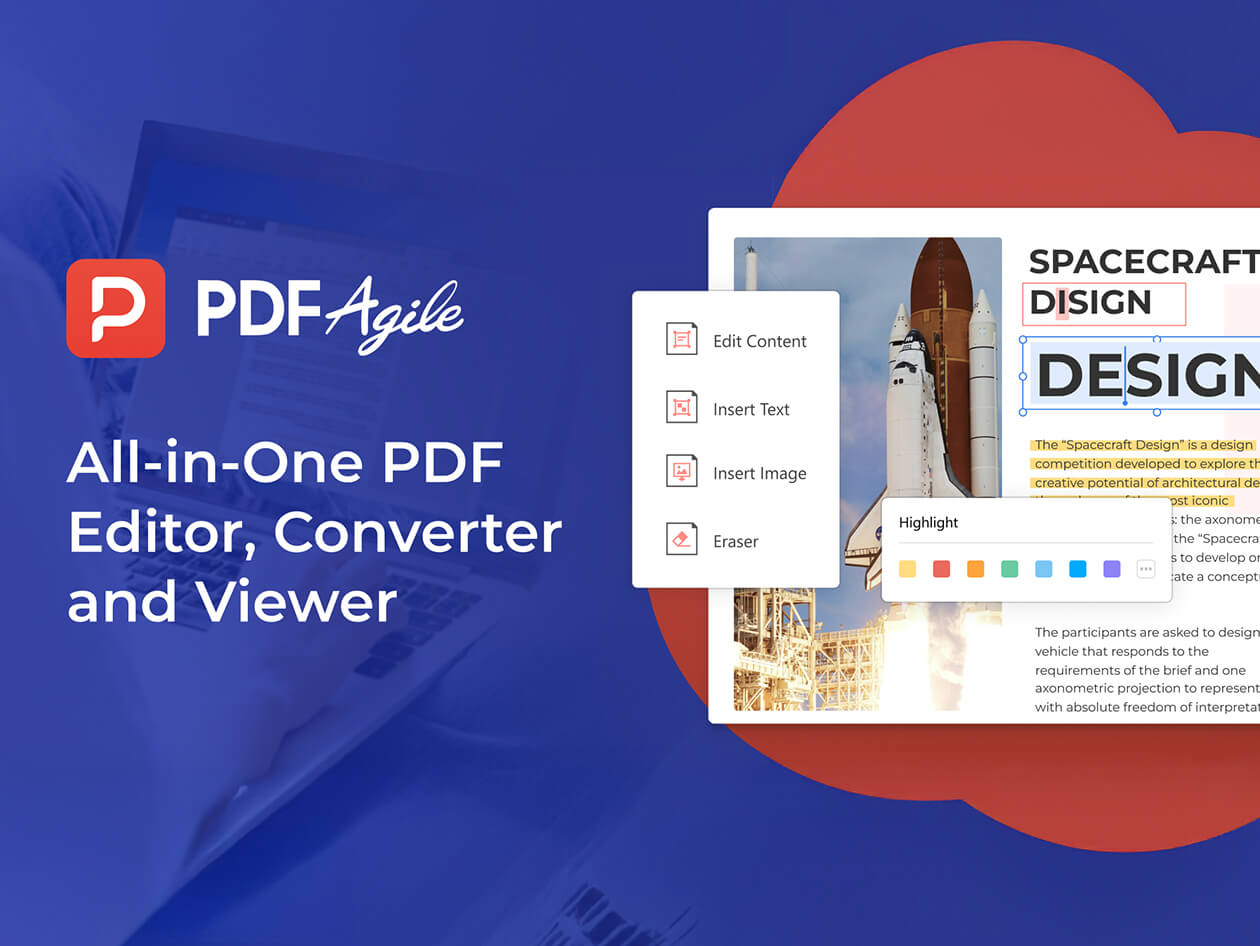
- 40+PDF-Softwareplattform zum Lesen, Bearbeiten, Konvertieren und Verwalten von PDF-Dokumenten.
1
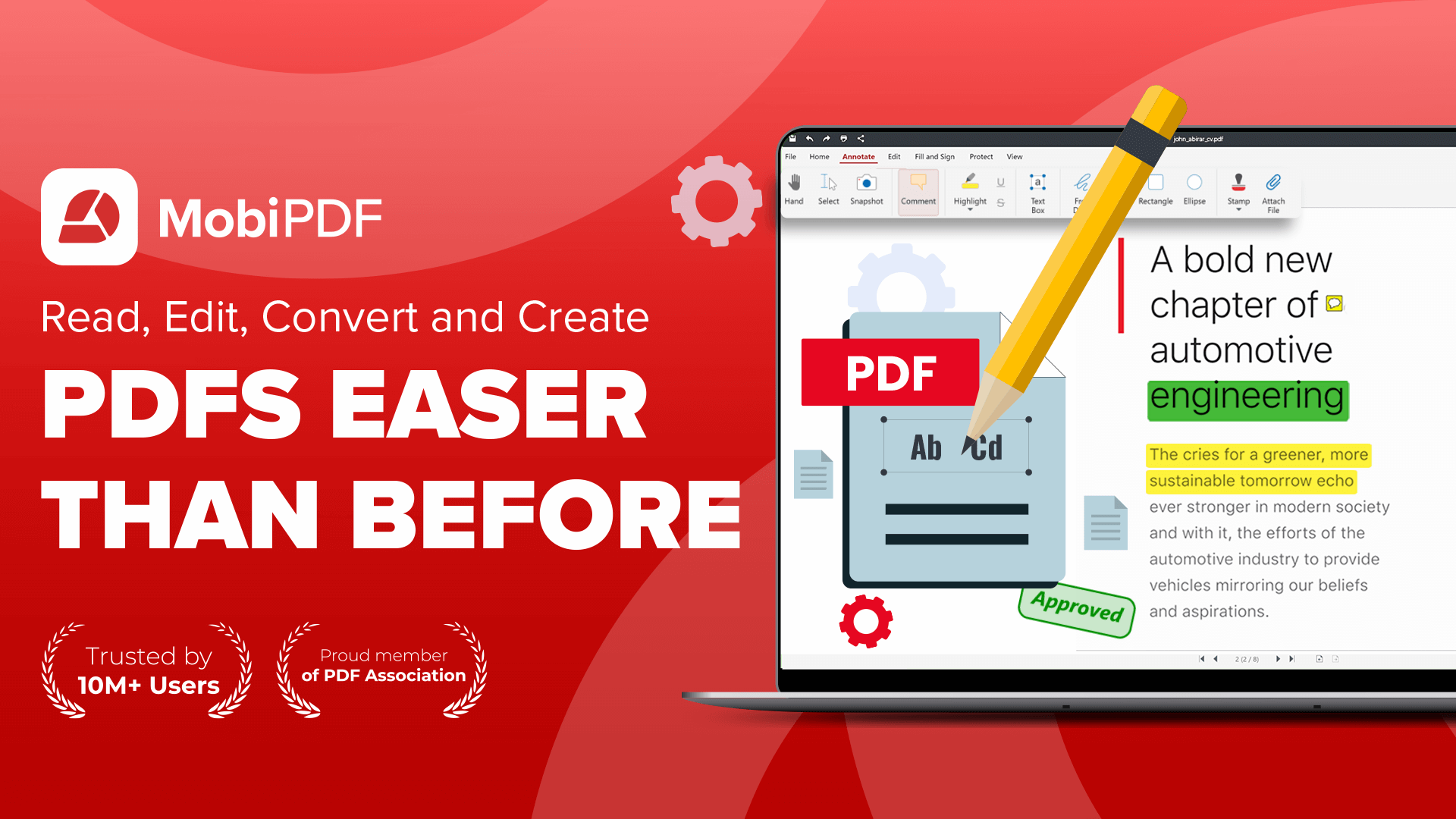
- 30+All-in-One-PDF-Reader und -Editor zum Bearbeiten, Signieren, Sichern und Konvertieren von PDF-Dateien
3
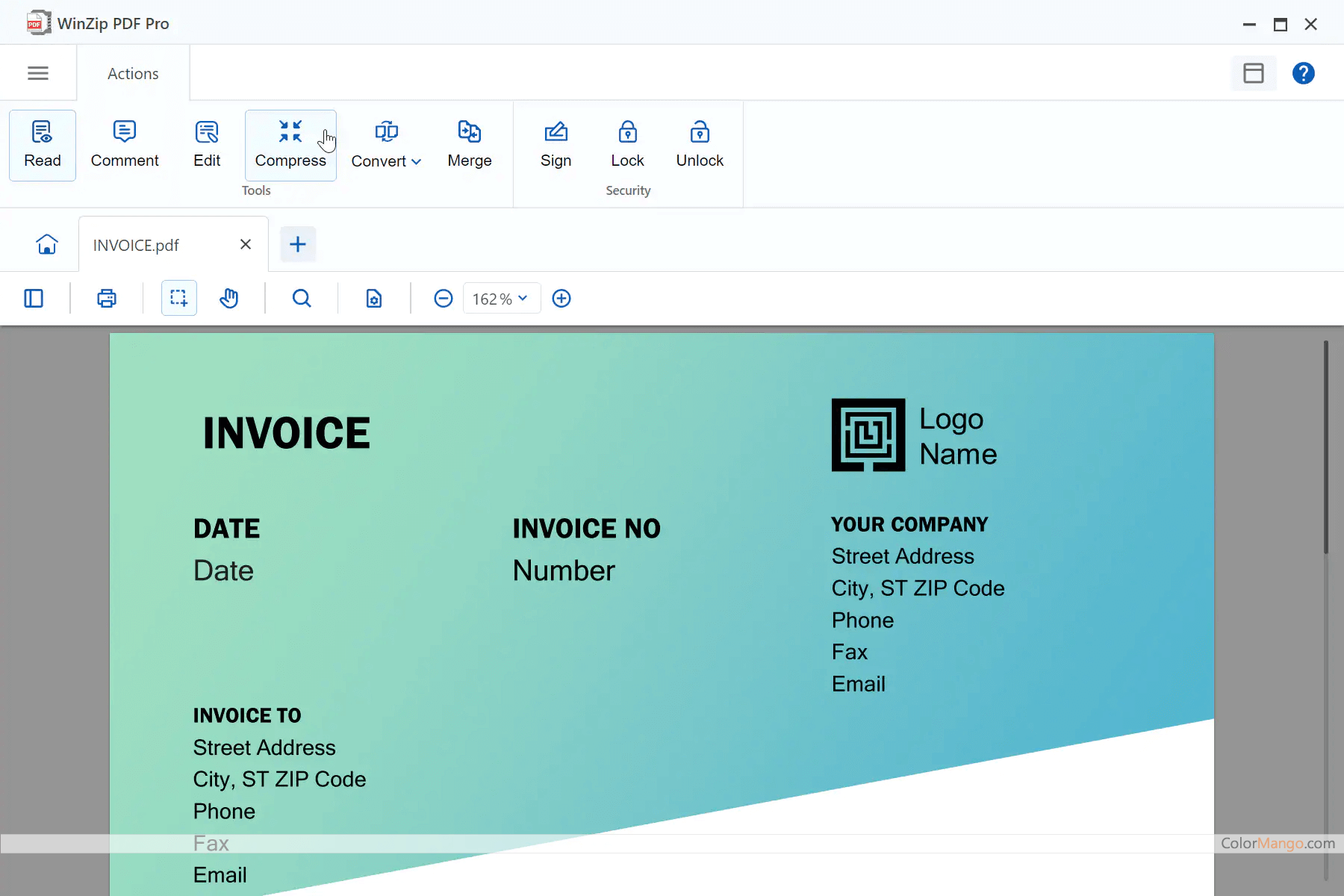
WinZip PDF Pro screenshot 2WinZip PDF Pro screenshot 3- 30+All-in-One-PDF-Tool zum Lesen, Bearbeiten, Zusammenarbeiten und Sichern Ihrer PDF-Dateien.
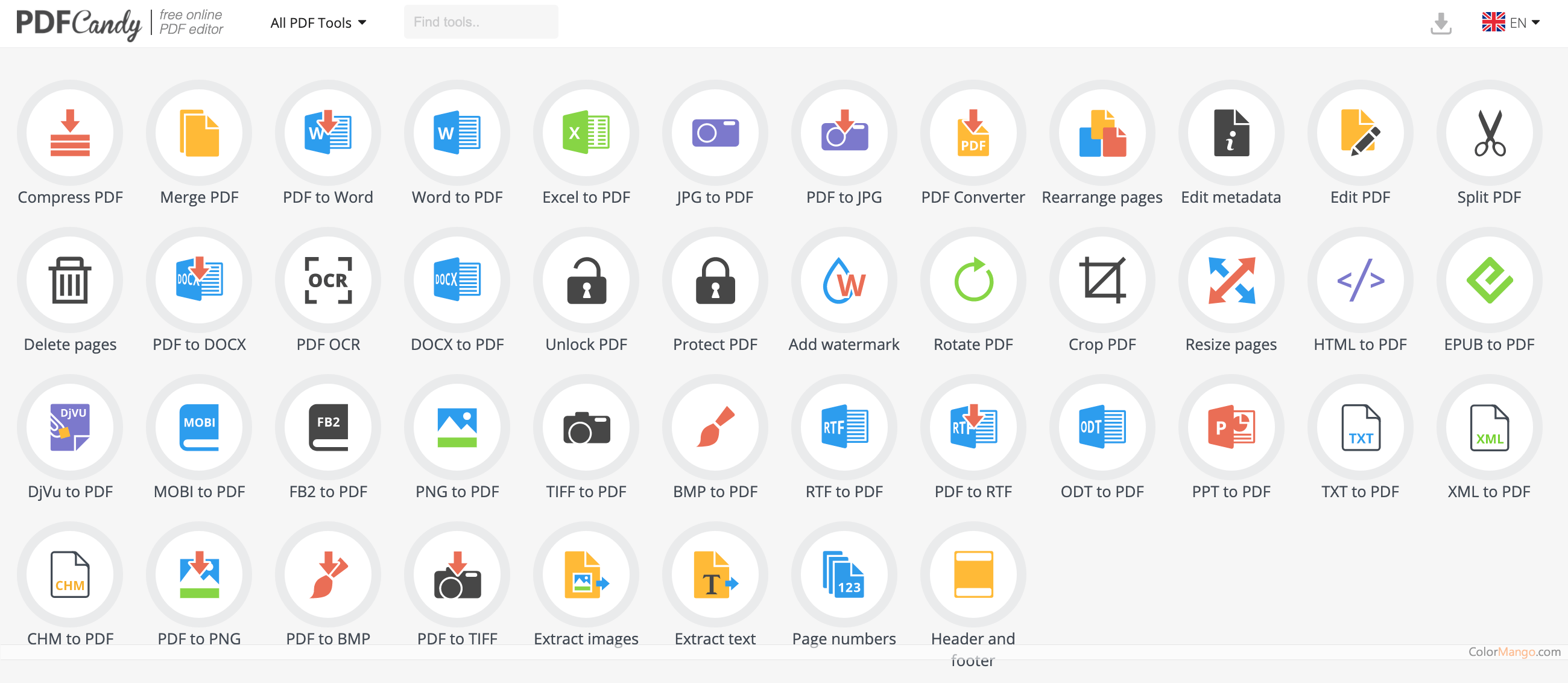

1
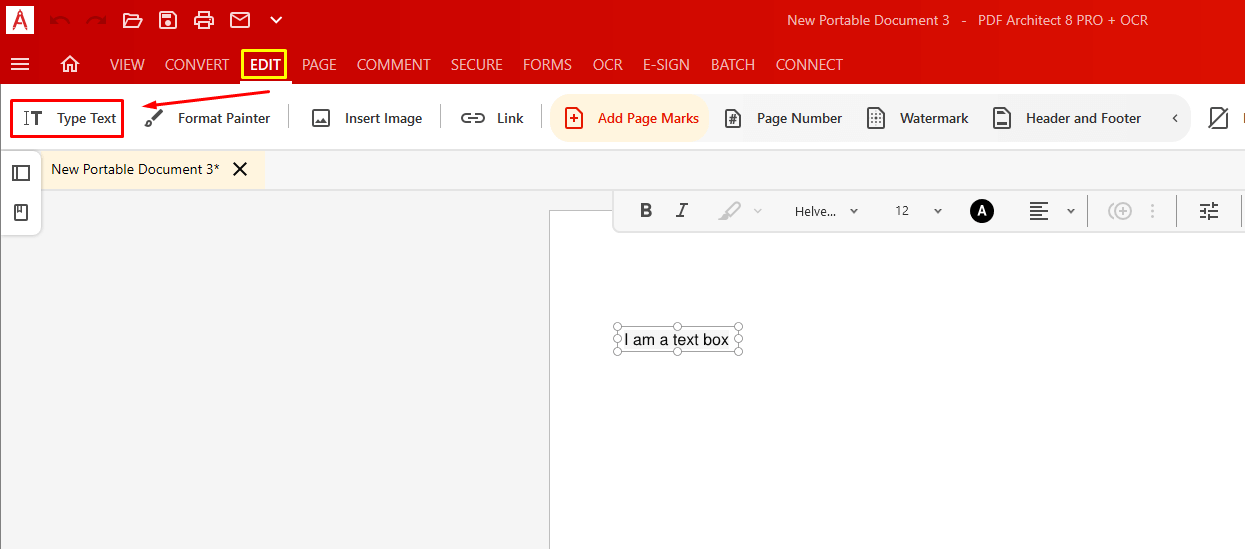
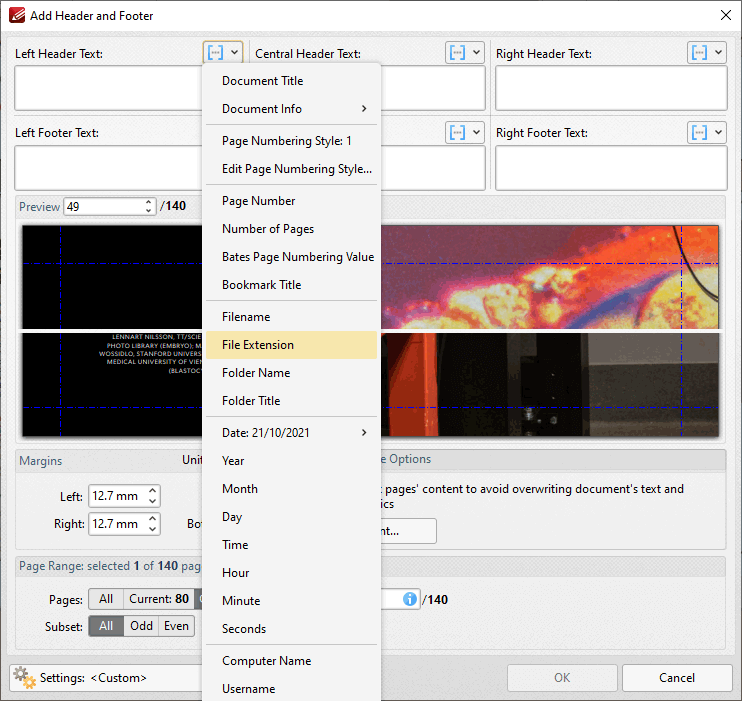
- 20+Eine Online-Plattform, die es Benutzern ermöglicht, PDF-Dokumente zu erstellen, zu bearbeiten, zu signieren und zu teilen
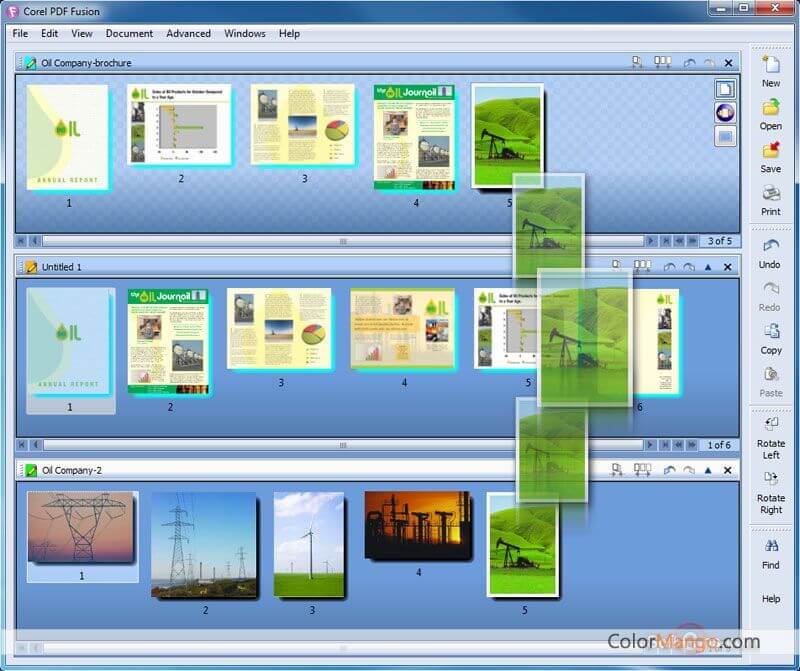


4
Able2Extract Professional screenshot 2Able2Extract Professional screenshot 3Able2Extract Professional screenshot 4 Offizielle Webseite 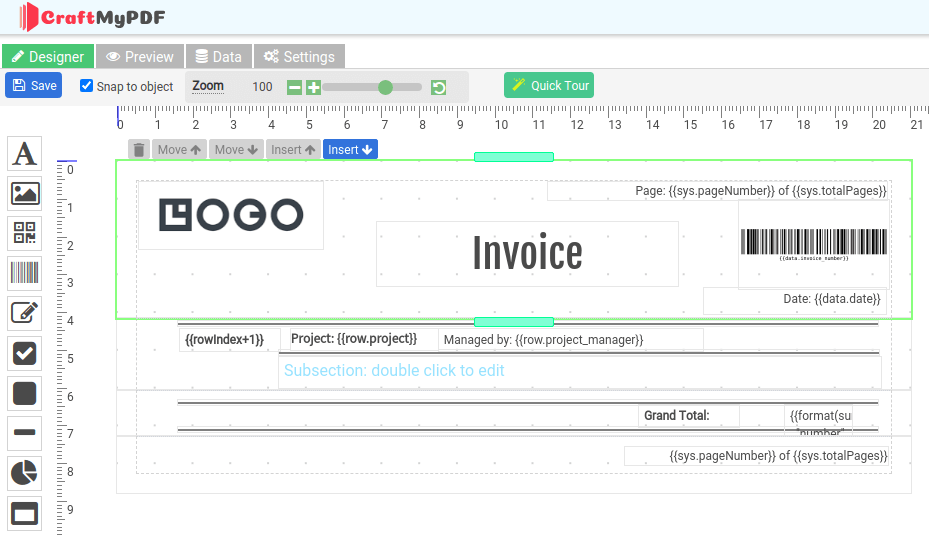
1
- 10+Entwerfen und automatisieren Sie pixelgenaue PDFs mit einem Drag-and-Drop-Editor
2 1
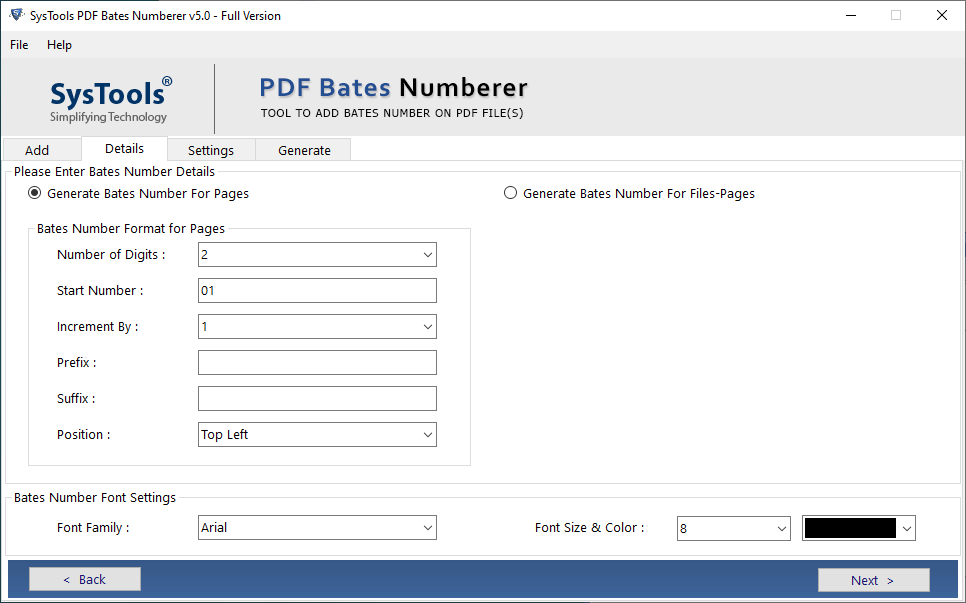
SysTools PDF Bates Numberer screenshot 2SysTools PDF Bates Numberer video- 9Fügen Sie mehreren PDF-Dateien eine Bates-Nummerierung oder einen Bates-Stempel hinzu

6
iMyFone PDFacademy screenshot 2iMyFone PDFacademy screenshot 3iMyFone PDFacademy screenshot 4iMyFone PDFacademy screenshot 5iMyFone PDFacademy screenshot 6- 8Ihr vollständiges PDF-Toolkit — Vereinfachen Sie PDFs mit Leichtigkeit
1
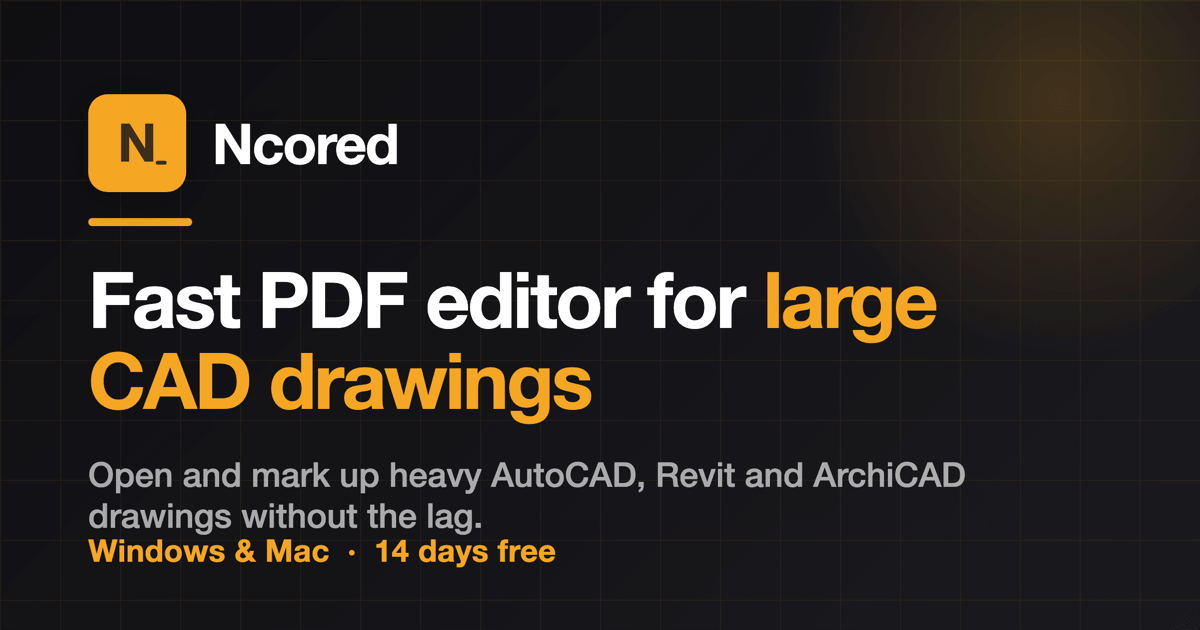
- 3Helfen Sie Benutzern, große CAD-Zeichnungen und Blueprints, die im PDF-Format gespeichert sind, schnell zu öffnen, anzuzeigen und zu bearbeiten, ohne dass es zu Leistungsverzögerungen kommt.
1
- AceThinker AcePDF ist ein umfassender All-in-One-PDF-Editor, mit dem Profis und Studenten PDF-Dokumente einfach anzeigen, bearbeiten, konvertieren, verwalten und sichern können.
1
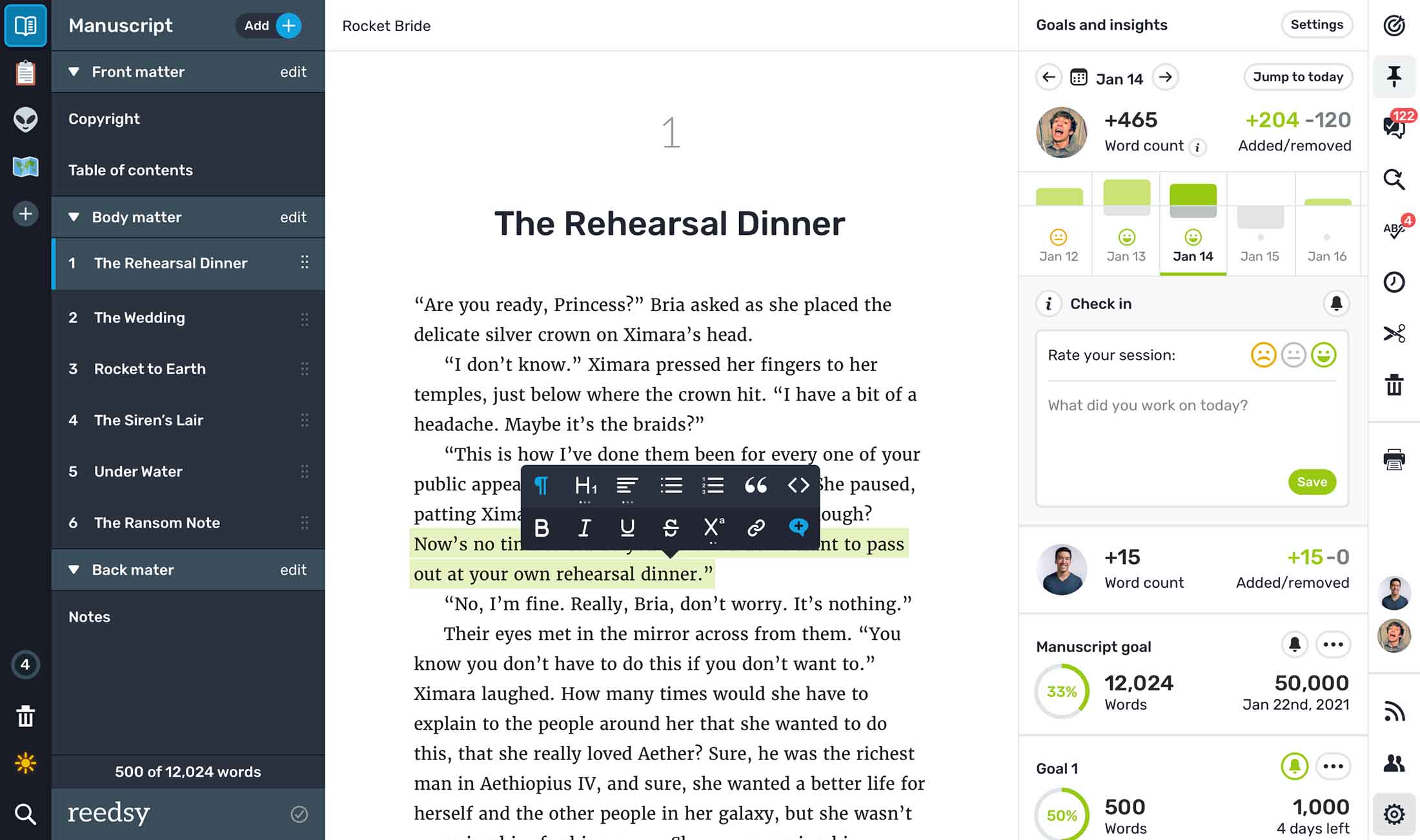
- Unterstützt Autoren beim Planen, Schreiben, Bearbeiten und automatischen Formatieren von Manuskripten in professionelle, druckfertige PDF- und ePub-Dateien – mit einem übersichtlichen, ablenkungsfreien Browser-Editor.
Artikel: 38

.png)
.png)
.png)
.png)
.png)
.jpg)
.jpg)
.jpg)
.jpg)
.jpg)
.jpeg)
.jpeg)
.jpeg)
.png)
.png)
.png)
.png)
.png)
.png)
.png)
.png)
.png)
.png)
.png)
.png)
.png)
.png)
.png)
.webp)
.webp)
.webp)
.webp)
.webp)